




Serhiy Bohush
July 28, 2026
PBX User Guide: How to Add a New User to Your PBX Without Common Mistakes
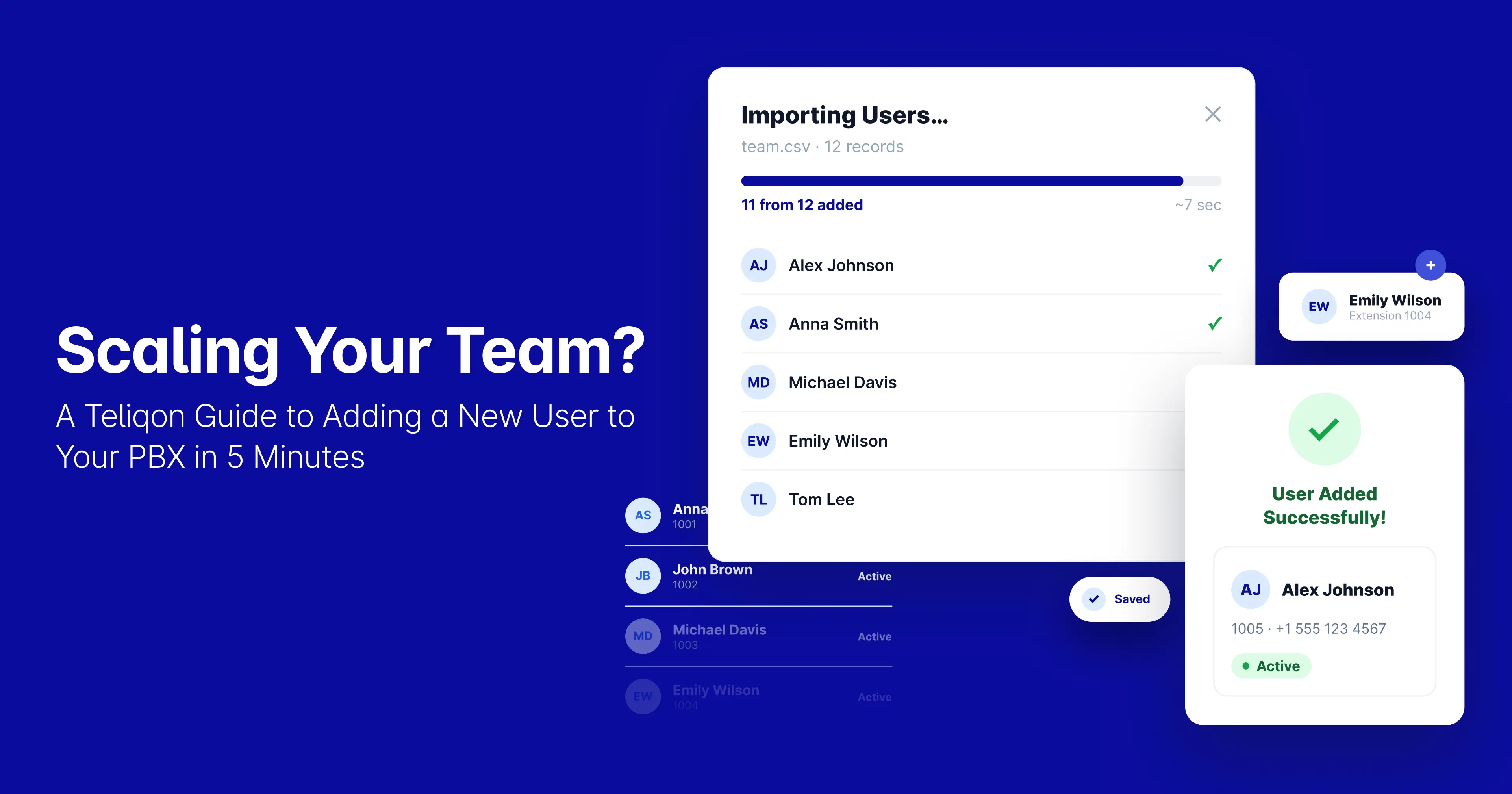
Teliqon makes PBX user setup easier by turning manual, error-prone tasks into a simple, repeatable process. This free pbx user guide covers common mistakes, compares manual and standardized methods, and shows how Teliqon automates user setup.
Quick Answer: How Do You Add a New PBX User?
-
Create an extension and assign a number from the right department range.
-
Assign a role by applying a role template, such as Sales, Support, Management, or IT/Admin.
-
Set permissions for outbound calling, recordings, and queue access based on the assigned role.
-
Activate the softphone by connecting the user through a desktop, mobile, or WebRTC browser client.
-
Test call routing to make sure internal, outbound, inbound, voicemail, and IVR all work before going live.
Quick Definitions
Before reading pbx user guide, it's helpful to understand the basic terms that define how users and calls are organized.
What Is a PBX User?
A PBX user is an employee account configured on a phone system with its own extension, permissions, voicemail, and call routing rules. It determines what a person can dial, which queues or ring groups they belong to, and which devices or apps they can use to make and receive calls.
What Is User Provisioning?
User provisioning means creating, setting up, and activating a user's access to a system. For PBX, this includes setting up the extension, assigning a role, applying permissions, connecting a softphone or device, and testing everything before the user starts.
What Is an Extension?
An extension is the internal number assigned to a PBX user, device, or department. It's the address the phone system uses to route internal calls, transfers, and voicemail to the right destination.
Common Mistakes When Adding New PBX Users
1. Skipping Permission Settings
The most common mistake is creating a new extension without limiting what it can actually do. Outbound calling, international dialing, call recording access, queue membership, and admin settings are often left at default values instead of being scoped to the employee's actual role.
This goes against a basic security rule.
The U.S. National Institute of Standards and Technology (NIST) says least privilege means giving a user only the access needed for their job, and nothing extra. For PBX, this means a sales agent should not get admin rights or be able to dial every international number by default.
Platforms like Yeastar's P-Series PBX reflect this directly in their design, offering dedicated Outbound Route Permission settings that define exactly which outbound routes a given extension is allowed to use.
Every new extension should only have the call routes, queues, recordings, and admin features needed for that user's role, and nothing more.
2. Using Inconsistent Extension Plans
If there is no shared numbering system, a company's extension list quickly becomes disorganized. Sales might be on 201, 405, and 812, Support on 102 and 309, and managers scattered wherever a number was available. This makes call routing, IVR menus, ring groups, and reporting harder to manage, and much harder to scale as the company grows.
Vendor documentation emphasizes that extensions are referenced in outbound routes, ring groups, queues, and IVR logic. An inconsistent numbering scheme causes friction across all these systems, not just within the extension list.
A simple, department-based range avoids this:
A clear numbering system helps administrators manage users, departments, call queues, IVR menus, and reporting with fewer mistakes as the company grows.
3. Not Testing Call Routing
Just activating an extension does not mean it will work as expected. After setup, you need to check inbound, outbound, and internal calls, voicemail, call transfer, IVR options, queue membership, and failover destinations one by one.
Ring group configurations often include failover and no-extension-online destinations. If these settings are not checked, calls may end abruptly, be routed to the wrong queue, or fail to reach the intended employee. Outbound routing also poses risks; unvalidated dial patterns, prefixes, and strip rules can block external calls for new users.
A basic post-setup checklist should cover:
-
Internal call
-
Outbound call
-
Inbound call
-
Voicemail
-
IVR option
-
Queue / ring group
-
Mobile or desktop softphone
-
Caller ID
Treat the checklist above as a mandatory step after every new user setup, not an optional one.
4. Ignoring Security Policies
PBX and VoIP systems are frequent targets for toll fraud, credential attacks, unauthorized outbound calling, and SIP abuse. CIRCL technical reports identify toll fraud as a common attack, often resulting in significant financial losses.
The scale of automated probing is not theoretical. An academic honeypot study monitoring PBX toll-fraud attempts recorded close to 19 million SIP messages over just 10 days, illustrating how intensively VoIP and PBX environments are scanned and attacked once they're reachable on the internet.
The European Union Agency for Cybersecurity (ENISA) recommends reviewing the security settings of online communication tools and applying strong authentication, including multi-factor authentication (MFA), as a baseline safeguard.
If you ignore PBX security policies, a simple onboarding step can become a financial and operational risk. Every new PBX user should have strong password rules, MFA if possible, outbound calling limits, controlled device access, and regular permission reviews.
As organizations grow, communication systems must scale at the same pace as teams. The companies that succeed are those that turn user provisioning from a manual IT task into a standardized business process.
Serhiy Bohush
Chief Marketing Officer at Teliqon
Manual vs. Standardized User Provisioning
The gap between an ad hoc setup and a standardized, template-driven process is measurable — not just in time saved, but in how many steps are left to human memory (and human error).
In organizations with frequent hiring, standardized provisioning can significantly reduce administrative workload compared to manual onboarding, since each new hire requires fewer manual steps and less time spent troubleshooting misconfigured permissions or untested routes after the fact.
The Standardized Provisioning Workflow
A repeatable provisioning process removes guesswork at every step:
New Employee
↓
Create Extension (assigned from department number range)
↓
Assign Role (role template: Sales, Support, Management, IT/Admin)
↓
Configure Permissions (outbound access, recordings, queues, admin rights)
↓
Activate Softphone (Linkus desktop, mobile, or WebRTC browser client)
↓
Run Test Checklist (internal, outbound, inbound, voicemail, IVR, queue)
↓
User Ready
Each step in this workflow addresses a mistake mentioned earlier. The process is designed to prevent skipped permissions, inconsistent numbering, and untested routing from happening in the first place.
How Teliqon Automates User Provisioning
Teliqon makes the standardized workflow the default. Administrators no longer need to configure each setting manually; Teliqon uses automated building blocks to streamline user provisioning.
-
Role Templates — Predefined permission sets for common roles (Sales, Support, Management, IT/Admin) ensure new users receive appropriate outbound access, queue membership, and recording permissions automatically, eliminating manual configuration.
-
Linkus Softphone Integration — New users are connected to desktop and mobile clients through Linkus, so they can start making and receiving calls without a physical handset or manual device configuration.
-
WebRTC Browser Calling — Employees can place and receive calls directly from a browser, which is especially useful for remote hires who need to be productive before any hardware or app installation is involved.
-
Mobile App Provisioning — Extensions can be activated on the Linkus mobile app for Android and iOS in minutes, giving field, sales, and remote staff full PBX functionality from a phone they already carry.
-
Active Directory Sync — User accounts, organizational units, and groups can be synchronized directly from Active Directory, so a new hire added in AD can be reflected in the PBX without duplicate manual entry.
-
Microsoft Teams Integration — For organizations standardized on Teams, calling functionality can be extended into the platform employees already use daily, reducing the number of separate tools a new hire has to learn.
Standardization isn't just a best practice — with the right platform, it's the default behavior. Teliqon's role templates, directory sync, and multi-client provisioning are designed to make the "correct" setup the fastest, not the one that requires the most administrative effort.
Why Companies Switch to Teliqon for User Provisioning
Most of the mistakes in this guide are not due to careless administrators. Instead, they happen because traditional PBX systems make the correct setup harder than the wrong one. Teliqon changes that:
Switching to Teliqon isn't about adding features on top of a traditional PBX — it's about removing the manual steps that cause the mistakes covered in this guide in the first place.
Keep these key principles in mind to avoid common PBX management issues:
-
Standardize extension numbering by assigning ranges to each department so every new user's extension is easy to predict.
-
Use role-based permissions by applying least privilege through role templates, rather than giving default access.
-
Enable MFA — require multi-factor authentication for every PBX user, not just admins.
-
Test every route before go-live — internal, outbound, inbound, voicemail, and IVR, every time.
-
Automate onboarding through templates — remove manual configuration as the default path.
-
Integrate PBX with Active Directory — sync users and groups instead of re-entering them.
Common mistakes when adding PBX users are skipping permission settings, using inconsistent extension plans, not testing call routing, and ignoring security policies. These problems slow down onboarding, cause routing errors, raise fraud risk, and make PBX administration harder as the team grows.
By standardizing permissions, extension ranges, softphone setup, and post-setup testing, you can cut manual setup time from 30–40 minutes to just 3–5 minutes. Teliqon is built to automate this process.
Final Thoughts
As a company grows, managing phone system users stops being a purely technical task and becomes part of how the business scales. New employees need fast access to communication tools, and administrators need to manage that access without adding constant overhead to the IT team.
Research from NIST indicates that role-based access control (RBAC) meaningfully simplifies the process of granting access, reduces administrative overhead, and speeds up onboarding for new employees. Beyond the security benefits, RBAC also delivers measurable economic advantages through more efficient provisioning and less employee downtime waiting for access.
At the same time, the core principles of cloud computing defined by NIST — on-demand self-service and rapid elasticity — let companies add new users, scale resources, and adapt their communication infrastructure to changing business needs without complex on-premises upgrades.
This matters even more for today's hybrid and remote teams. Cloud technology has become one of the key enablers of employee mobility, flexible work arrangements, and effective collaboration across distributed teams.
That's why the most effective organizations today build a standardized PBX onboarding process built around:
-
A consistent internal numbering structure
-
Role-based access management
-
Automated user provisioning
-
Fast softphone and mobile client setup
-
Centralized administration
-
Regular permission reviews
Teliqon supports this approach end-to-end — role templates, Active Directory sync, Linkus softphone and mobile provisioning, WebRTC browser calling, and Microsoft Teams integration are built to make the standardized process the default, not an extra step administrators have to remember. The result is a workflow where creating a new user, assigning the right role, and confirming everything works takes minutes instead of the better part of an hour.
Sources:
-
NIST Role-Based Access Control Project
-
NIST — The Economic Impact of Role-Based Access Control
-
NIST SP 800-145 — The NIST Definition of Cloud Computing
-
CIRCL — Technical reporting on PBX/VoIP toll fraud
-
ENISA — Recommendations on securing online communication tools
-
Academic PBX toll-fraud honeypot study (SIP message monitoring)
-
Yeastar P-Series PBX and Linkus Cloud Edition documentation
Serhiy Bohush

Follow Us in social networks


The latest from Teliqon
Stay ahead with insights from the leader in trusted communications. Subscribe for the latest blogs, updates, and exclusive content.