
Contact us
You can always send us a message or email. Weʼd be happy to help you out.
You can always send us a message or email. Weʼd be happy to help you out.
Automatically back up call recordings and VoIP data to Amazon S3. Maintain secure, durable, and cost-effective archives for compliance and disaster recovery.











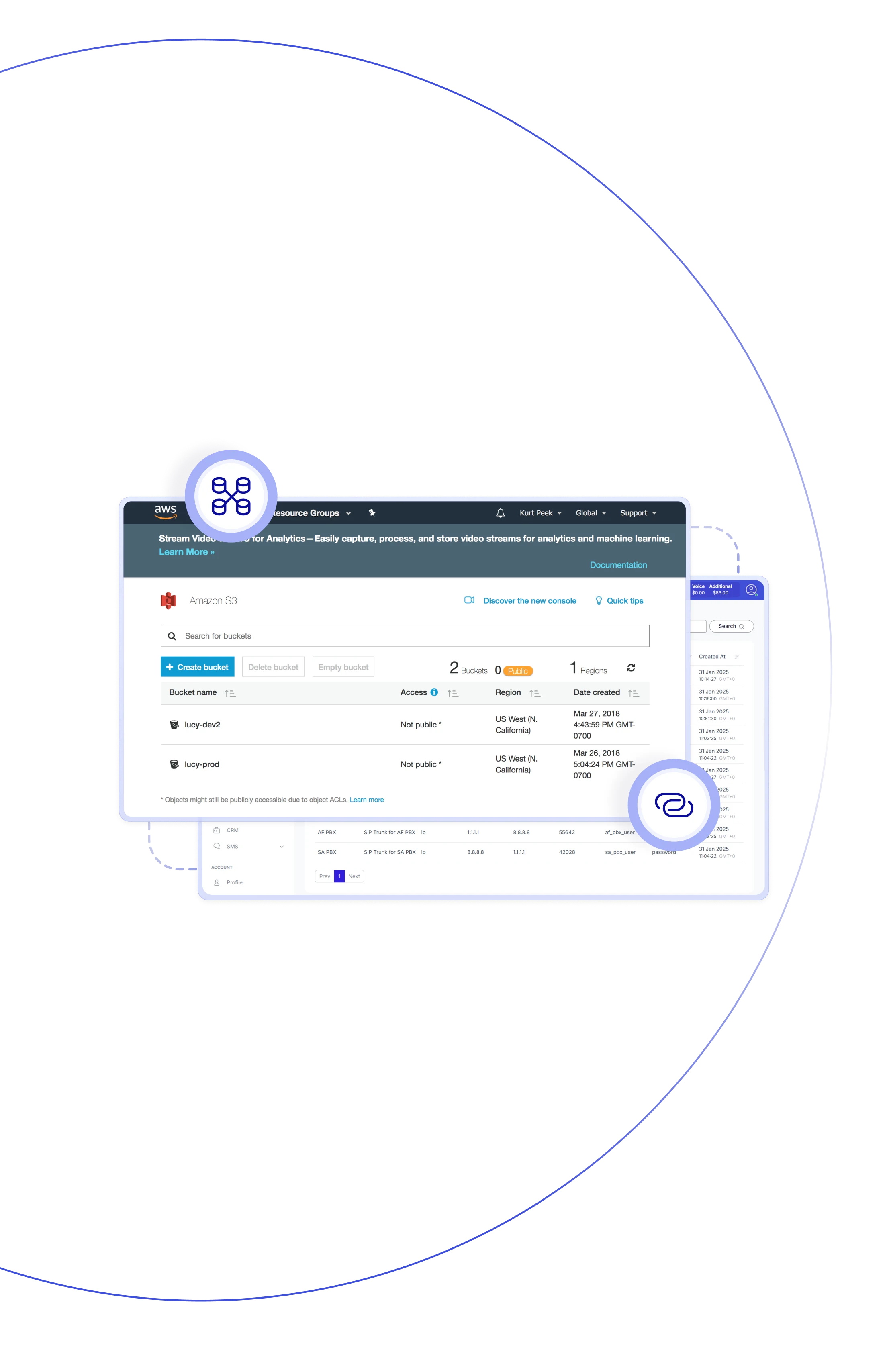
Teliqon PBX supports archiving call recordings to external storage services like Amazon S3, making Amazon S3 backup straightforward and reliable. After configuring a bucket in AWS, you can set it as an archive server in Teliqon PBX and create scheduled tasks to automatically sync recordings — a seamless backup for S3 workflow. Optional cleanup can remove local copies afterward to keep your system running efficiently.

Keep recordings without stressing over local disk space — Amazon S3 scales with your workload and provides simple S3 backup.

Archive recordings automatically and optionally delete local copies; your PBX runs faster and avoids storage bottlenecks.

Cloud object storage can be far more budget-friendly than investing heavily in on-site hardware for storing large volumes of files.

Keep recordings stored indefinitely in Amazon S3 — meet retention requirements without putting any strain on your PBX hardware.

Even if your PBX hardware fails, your archived recordings in Amazon S3 stay safe and can be restored at any time, as your data endures.

Track the status of archive tasks, receive email notifications for successes or failures, and review detailed logs for complete visibility.

Folders use file type, task name, and sync date for naming, ensuring easy navigation and low administrative hassle.

Built-in cloud archiving makes your phone system growth-ready, reducing dependence on local storage and increasing overall flexibility.
Easily connect your system to Amazon S3 for reliable, scalable storage. Keep your data organized, secure, and always accessible.
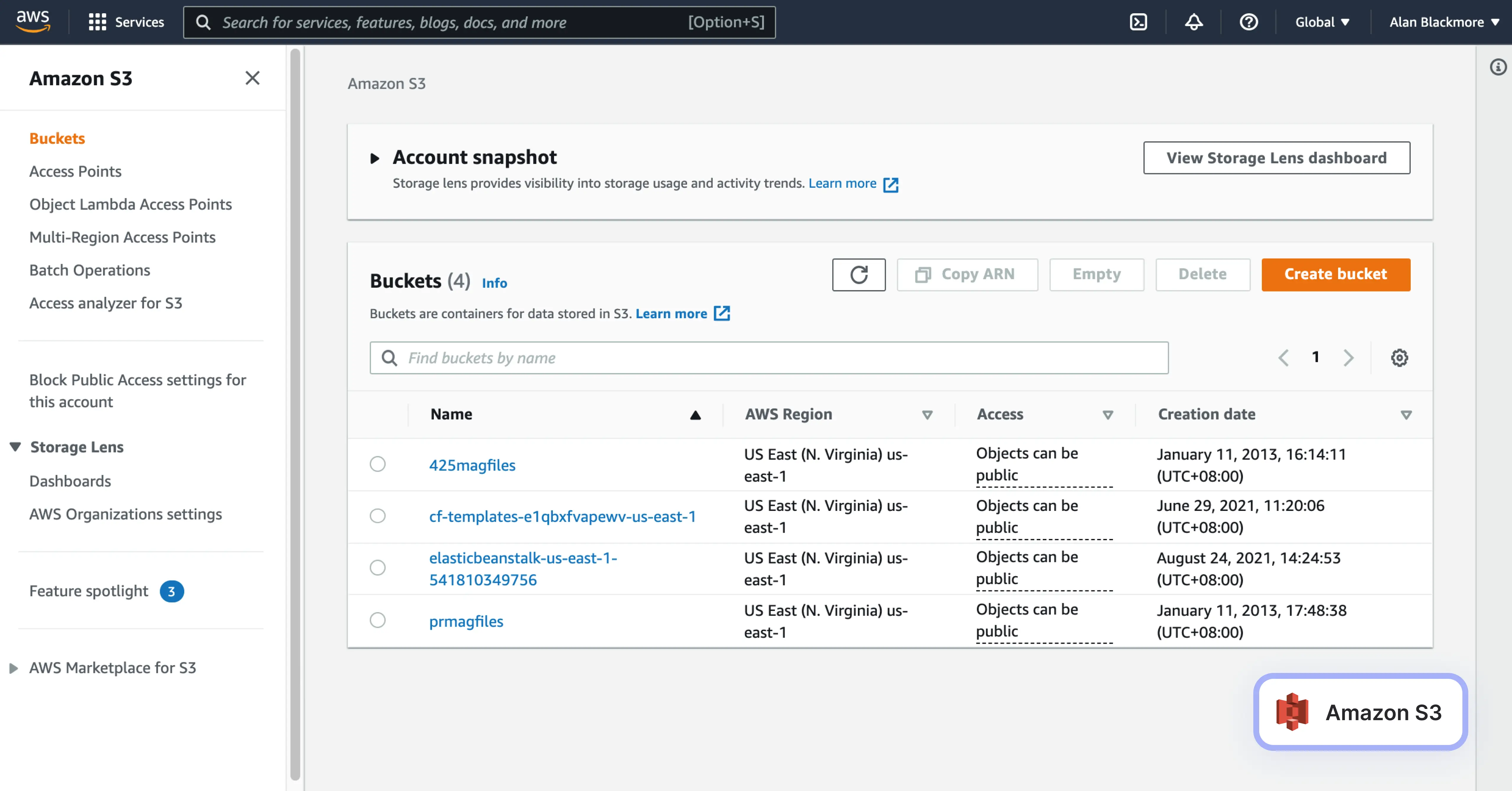

Teliqon PBX allows configuration of up to 10 external archive servers (including Amazon S3) for redundancy and flexibility — optimized for enterprises.
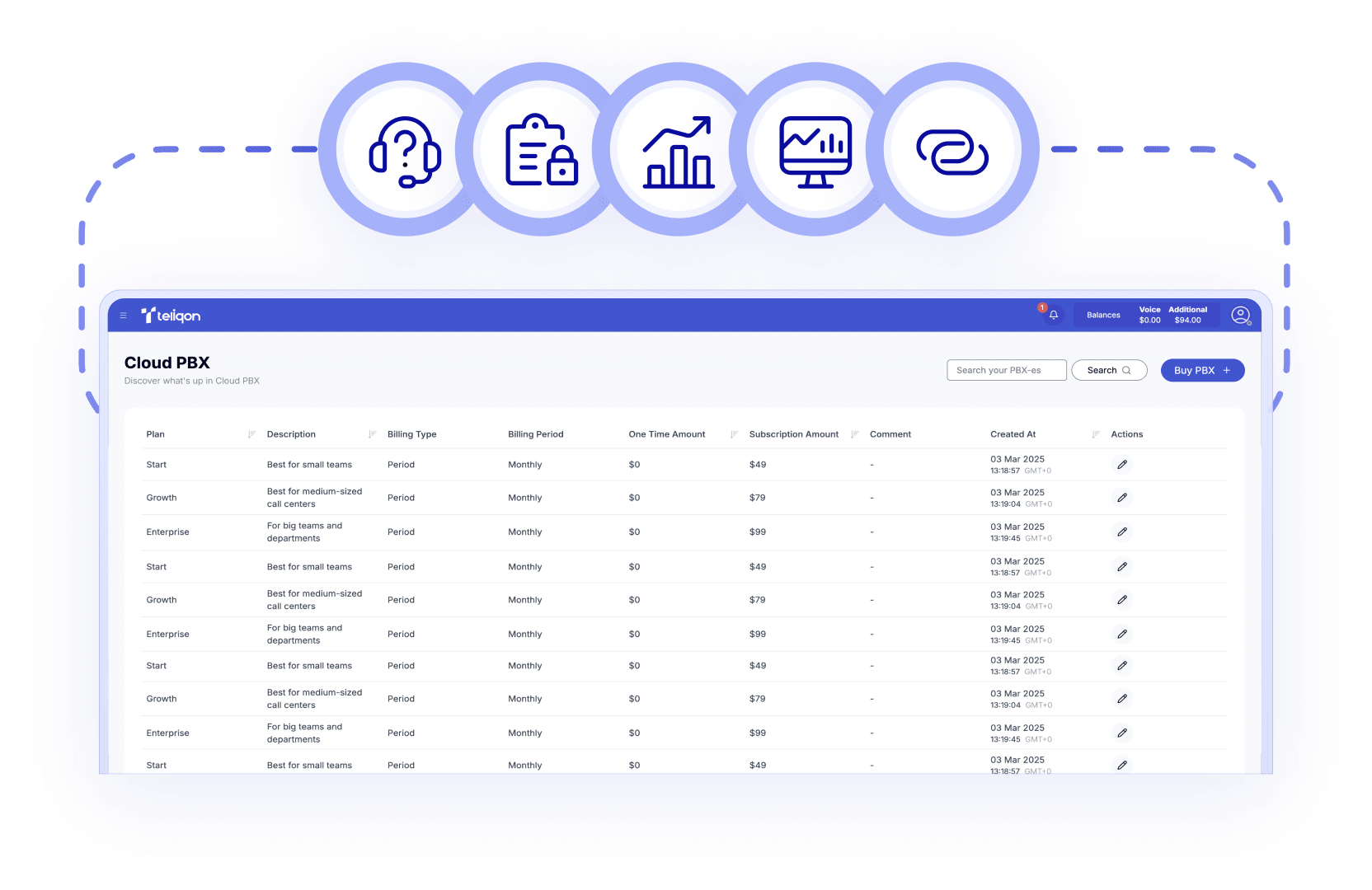

Create tasks with specific file types (recordings), date ranges, and schedules—whether one-time, daily, weekly, or monthly—for fully automated archiving.

After archiving completes, optionally delete the local copies of files to free storage and improve system performance across all deployments.

Files are stored in dated, task-named folders, helping you stay organized and quickly retrieve anything you need for audits.

Every archive task records a log and triggers notifications for both success and failure. It helps teams ensure no archived data is ever missed.

Archive call recordings to Amazon S3 with full, end-to-end coverage. Even during heavy usage or hardware changes, your archive workflow stays stable and uninterrupted.

Set up in minutes: create an AWS IAM user and bucket → add Amazon S3 as an archive server in PBX → configure tasks → start archiving.

Offloading old files to the cloud gives your PBX extra space for routine tasks and upgrades—lightening the system’s workload.
Book a Discovery Call
Learn how Teliqon’s solutions can enhance sales, communication & efficiency.
Receive a Custom Proposal
Get a tailored plan with the best Teliqon solutions for your business needs.
Seamless Integration
Set up Teliqon’s tools in your existing systems for seamless operations performance.
Maximize Outcomes
Boost communication with high-quality calls and improved SMS campaigns.
24/7 Support and Optimization
Enjoy ongoing 24/7 support to ensure smooth operations & continuous improvement.
To get started, you'll need to create an IAM user with full access to your Amazon S3 bucket, generate an access key and secret, and set up a bucket to store archived files.
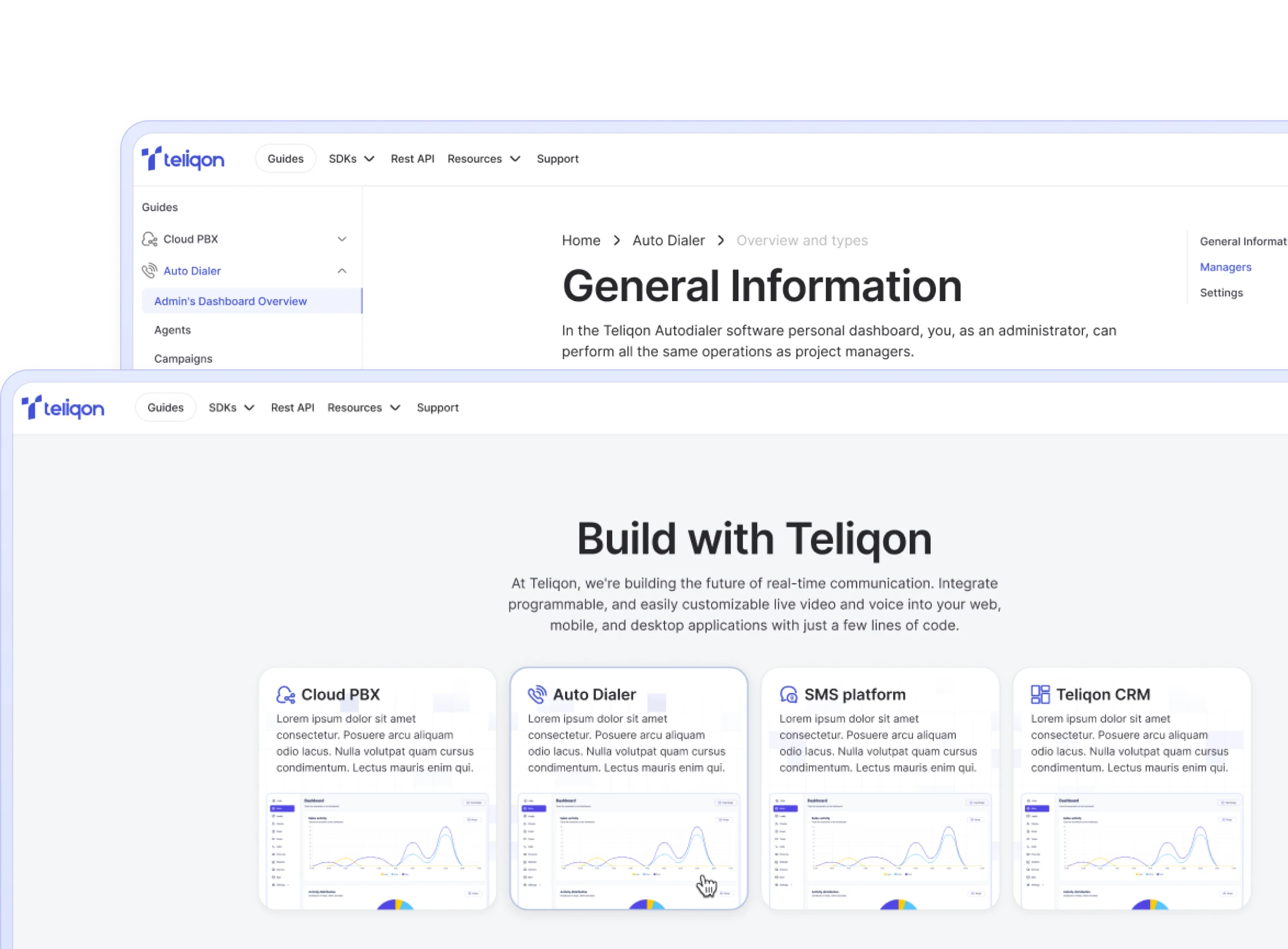
Each integration comes with a Knowledge Base, tailored to your needs. Prefer a helping hand? Our support team is always here to assist with any step – you don’t have to do it alone.