
Contact us
You can always send us a message or email. Weʼd be happy to help you out.
You can always send us a message or email. Weʼd be happy to help you out.
Secure your business phone system with Azure AD Identity Management. Automate user provisioning, enforce access policies, and simplify logins with single sign-on.











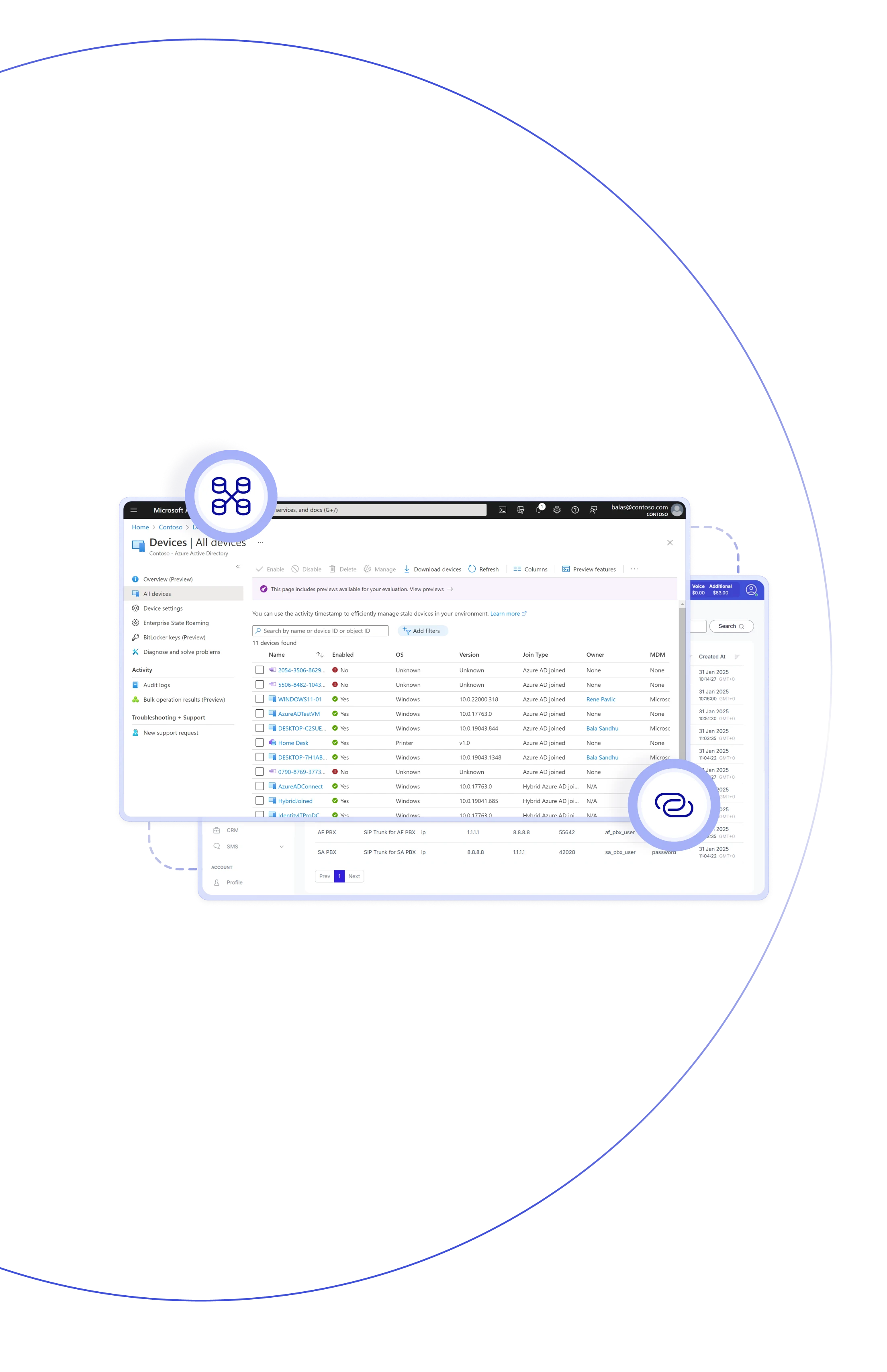
This integration connects Teliqon PBX with your Azure AD identity system, keeping user access and roles perfectly aligned across platforms. Through seamless Azure AD identity management, users and groups are automatically synchronized with the PBX directory — new employees receive extensions instantly, while updates and removals reflect in real time. Plus, single sign-on (SSO) lets users log in securely with their Azure credentials, simplifying access and reducing administrative overhead.

Manage users with Azure AD Identity Protection, and let every change auto-sync to Teliqon PBX — keeping access consistent, safe & effortless.

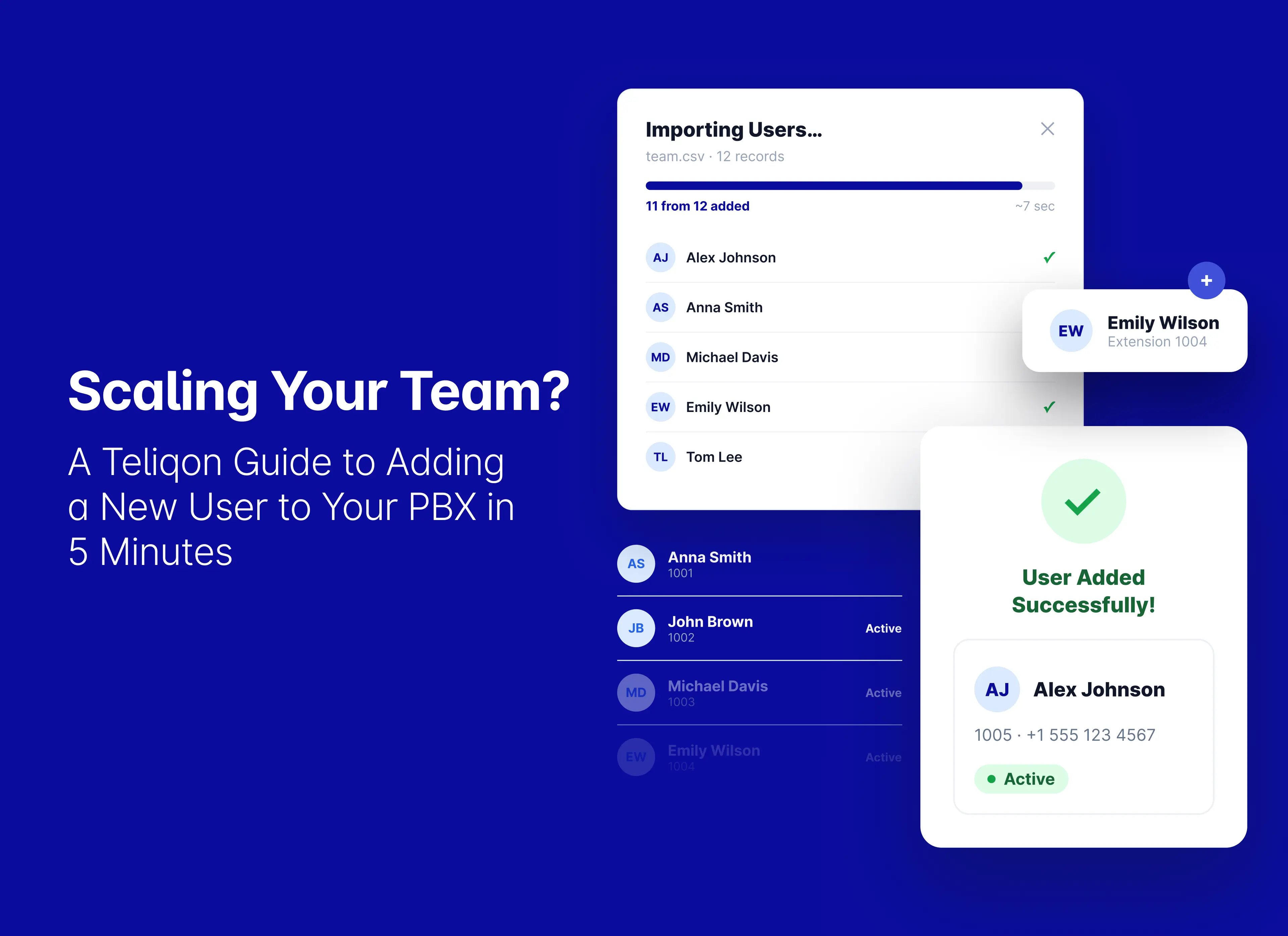
Users added in Azure AD are auto-created in PBX, complete with assigned extensions. This seamless sync saves time & eliminates manual setup.

Updates in Azure AD (Managed Service Identity) — including name, email, or job title — are automatically synchronized with the PBX system.

When a user is disabled or removed in Azure AD, their PBX extension is auto-deactivated— keeping your system aligned with your organization.

Users can sign in to the PBX with their Azure AD credentials, so there’s no need to remember extra passwords. Every login stays secure.

Synchronise Azure AD groups and organisational structure with your PBX to ensure clear user classification and automatic updates.

Ensure consistency of user names, email addresses, and job titles across all systems with auto-sync — this maintains data integrity.

Less manual setup, fewer errors — saving time and improving accuracy in large organizations for enhanced efficiency.
Enable secure single sign-on (SSO), automated user sync, and centralized access control — all managed seamlessly through your Azure AD.
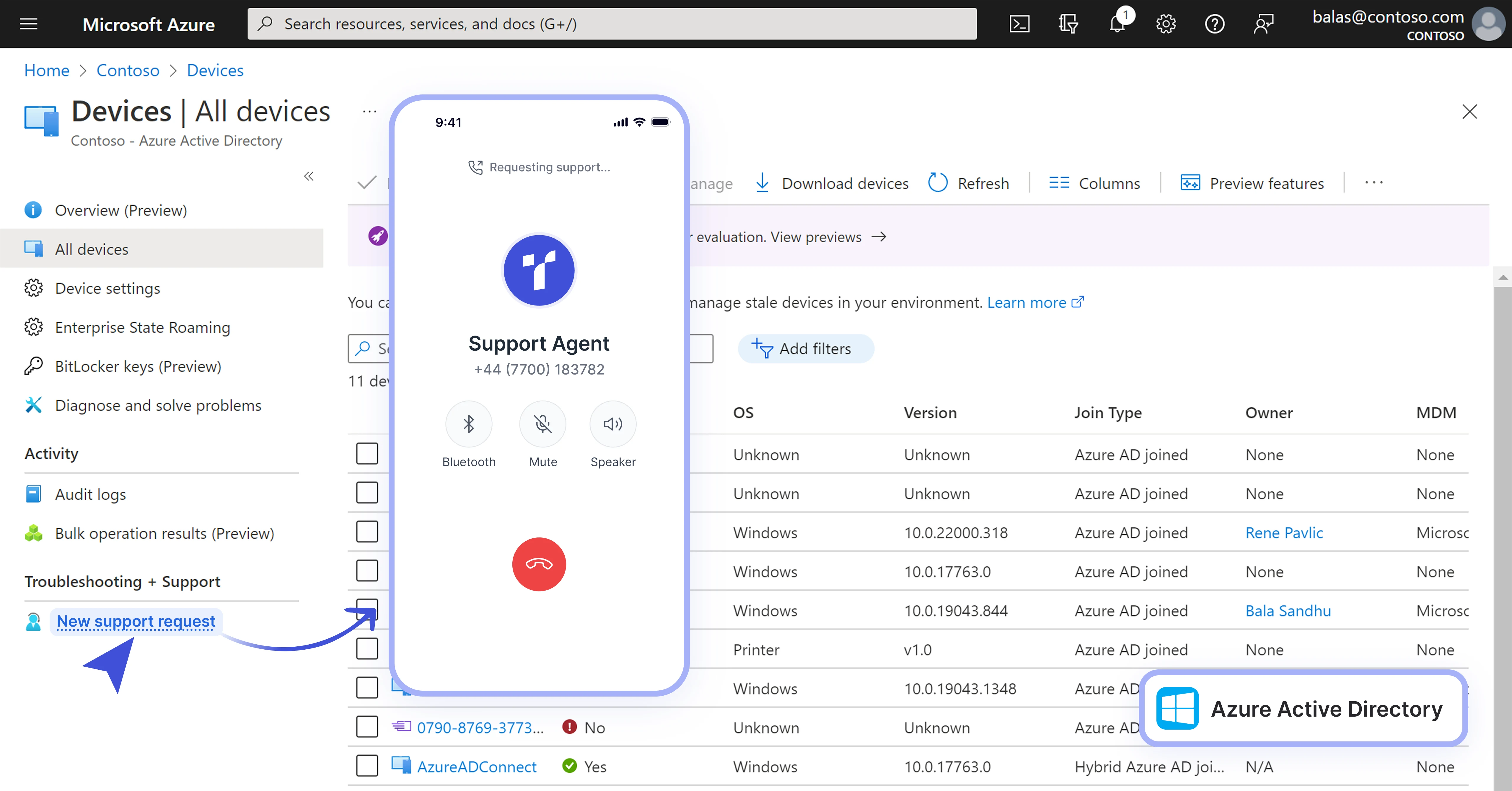

Sync users and groups from Azure AD directly into Teliqon PBX for seamless, automated management.
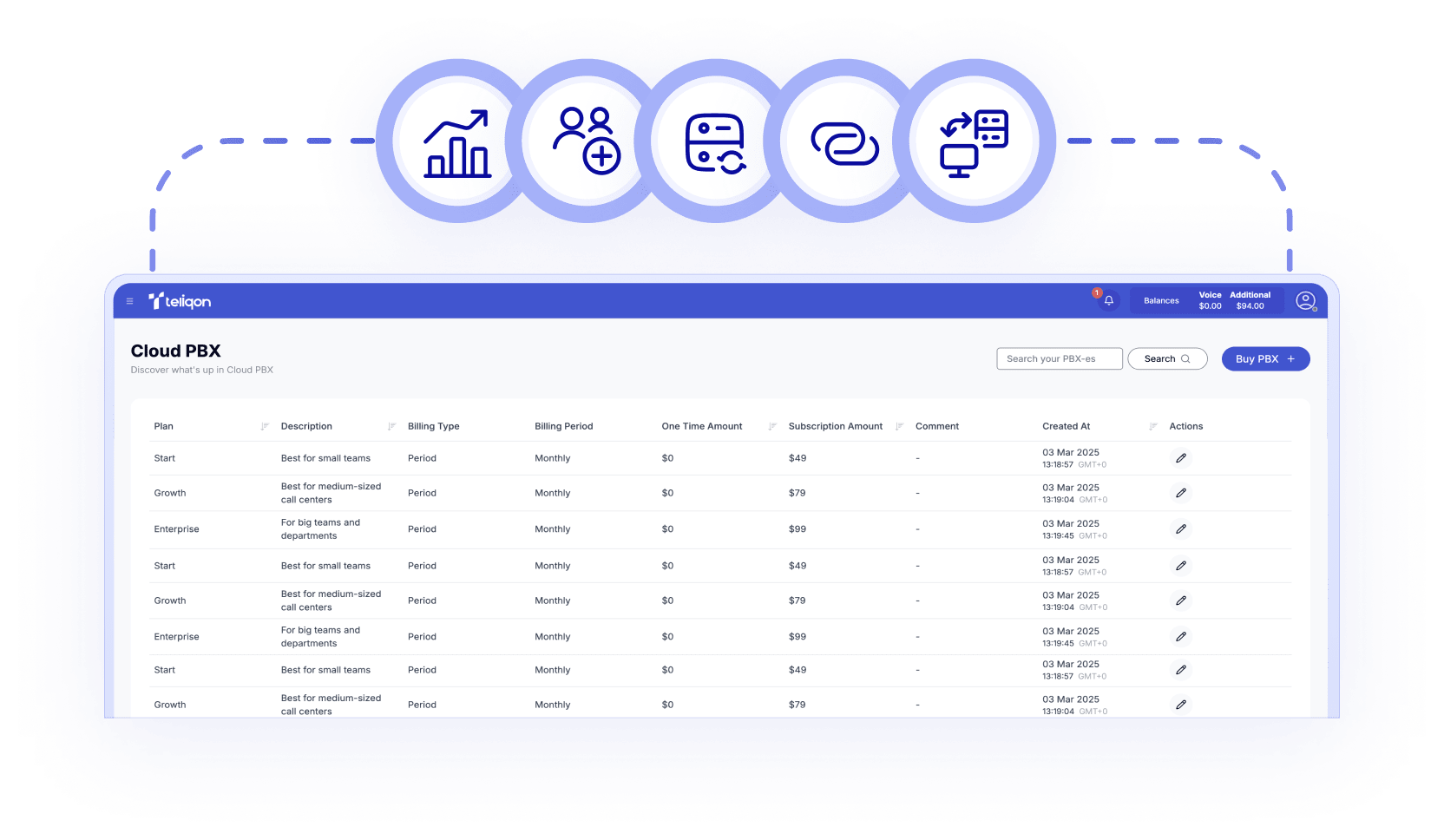

Teliqon PBX automatically assigns extensions to synced Azure AD users, ensuring accurate provisioning.

Authenticate PBX access through Azure AD credentials with secure single sign-on (SSO) for simplified user management.

Automatically reflect Azure AD changes — name, email, or status — in PBX for up-to-date user data.

Optionally remove PBX accounts automatically when corresponding Azure AD users are disabled or deleted.

Enable one-way sync of Outlook contacts to the PBX phonebook for accurate caller identification.

Sync Teams presence status with PBX extension presence for unified visibility and collaboration across platforms.

Configure the integration by registering an app in Azure AD, linking the client ID in Teliqon PBX, and enabling sync rules.
Book a Discovery Call
Learn how Teliqon’s solutions can enhance sales, communication & efficiency.
Receive a Custom Proposal
Get a tailored plan with the best Teliqon solutions for your business needs.
Seamless Integration
Set up Teliqon’s tools in your existing systems for seamless operations performance.
Maximize Outcomes
Boost communication with high-quality calls and improved SMS campaigns.
24/7 Support and Optimization
Enjoy ongoing 24/7 support to ensure smooth operations & continuous improvement.
The integration supports Azure AD Free, Office 365, Premium P1, and Premium P2 — all offering directory sync functionality.