
Contact us
You can always send us a message or email. Weʼd be happy to help you out.
You can always send us a message or email. Weʼd be happy to help you out.
Embed Teliqon PBX directly into Microsoft Dynamics 365 CRM to enable click-to-call, real-time caller pop-ups, automated call logging, and new contact/lead creation - enhancing productivity and customer interaction within your CRM.











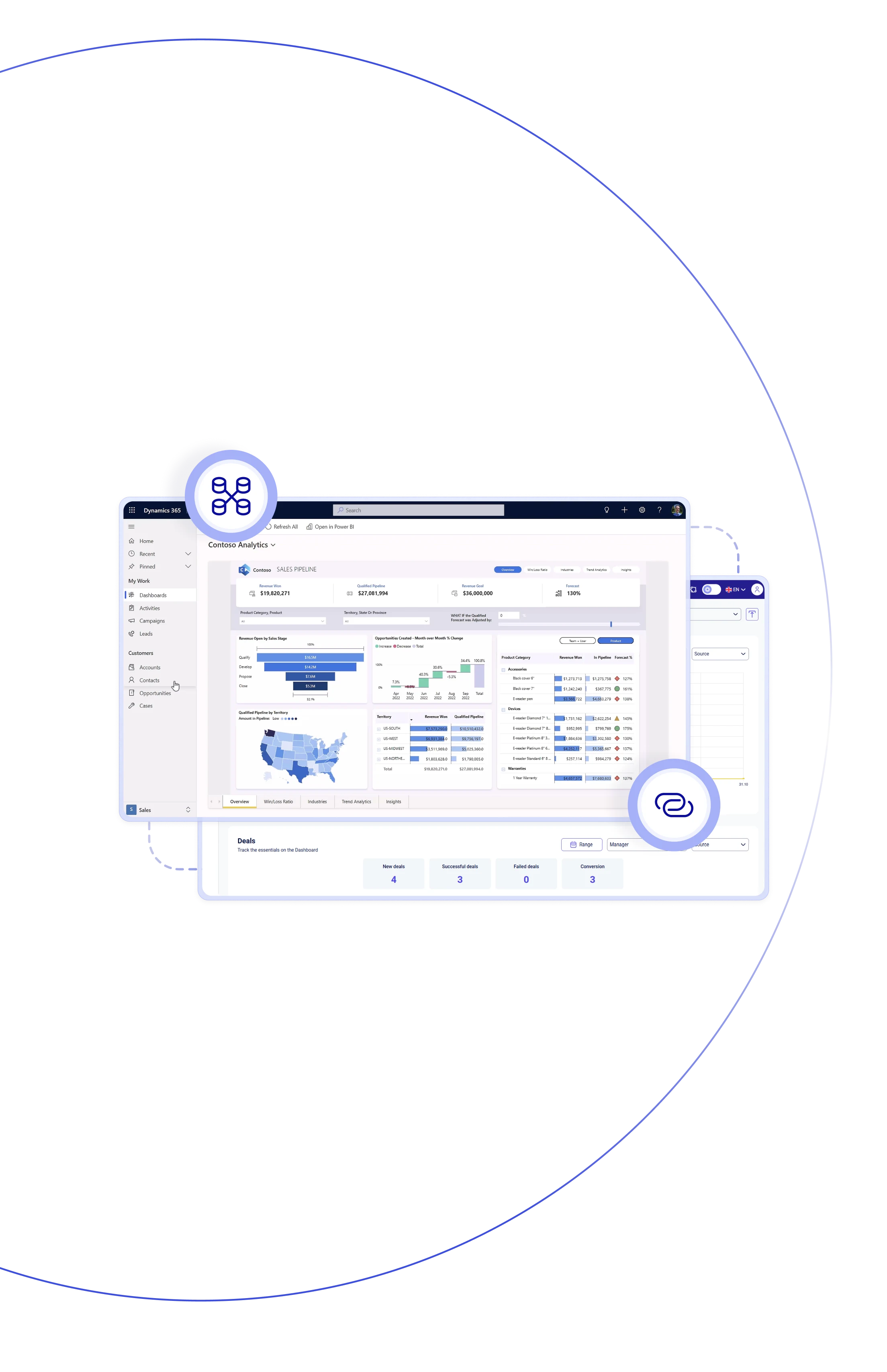
Teliqon PBX fully integrates with Dynamics 365 CRM, providing complete ttelephone integration for Dynamics 365 in your workspace. Users can make and receive calls, view caller details, auto-log activities, and automatically create contacts or leads – all without leaving the Dynamics 365 call center. The result is smoother workflows, richer customer context, and no time wasted switching between tools.

With Dynamics 365 integration, users can pick any phone numberto place calls instantly through Teliqon PBX – no manual dialing, and more rapid communication.

Incoming calls instantly display pop-ups displaying contact details, recent interactions, and open opportunities – giving agents the context they need to respond quickly.

All inbound, outbound, and missed calls are auto-logged in Dynamics as CRM activities – with timestamp, duration, and call direction for effortless tracking and visibility.

With Dynamics 365 integration, calls from unknown numbers can automatically generate leads or contacts, ensuring no opportunity slips through the cracks.

Tired of switching between apps to handle calls? With Teliqon PBX and Dynamics 365 CRM, agents can manage every conversation directly within the platform.

Listen and review call recordings directly and securely right from the CRM activity timeline, making quality assurance and agent training easier and more effective overall.

Agents spend less time switching between systems or manually logging data — keeping their focus where it matters most: meaningful customer conversations.

Managers can access call analytics, user activity, and CRM-based metrics — all seamlessly integrated into Dynamics 365 dashboards to support smarter decisions.
Enjoy click-to-call, real-time caller pop-ups, automatic call logging, and effortless creation of new contacts or leads — all designed to boost productivity and enhance customer engagement within your CRM.
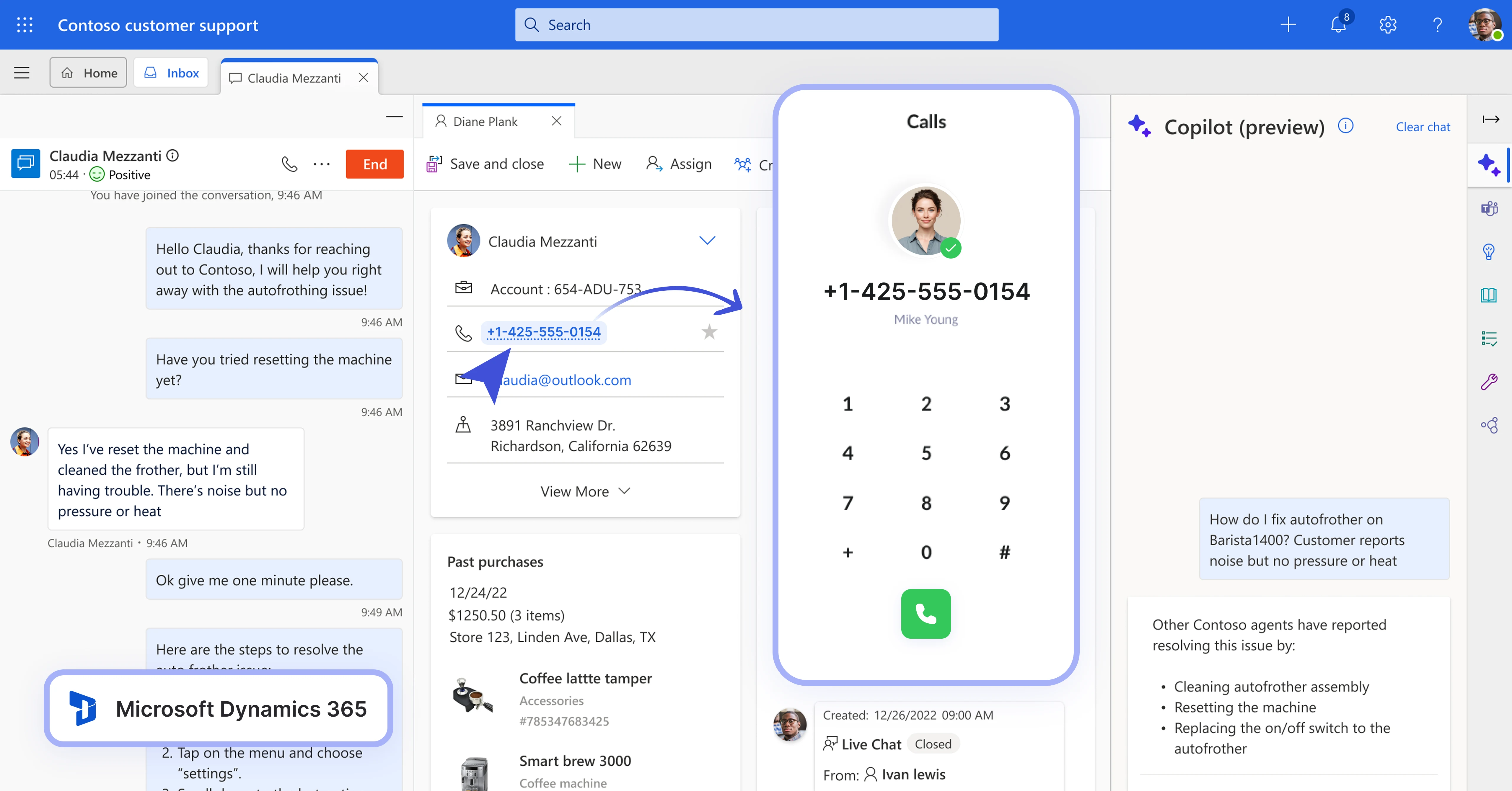

Click any phone numbers in Dynamics 365 to start a call using Teliqon PBX, making sales and support workflows faster and efficient.
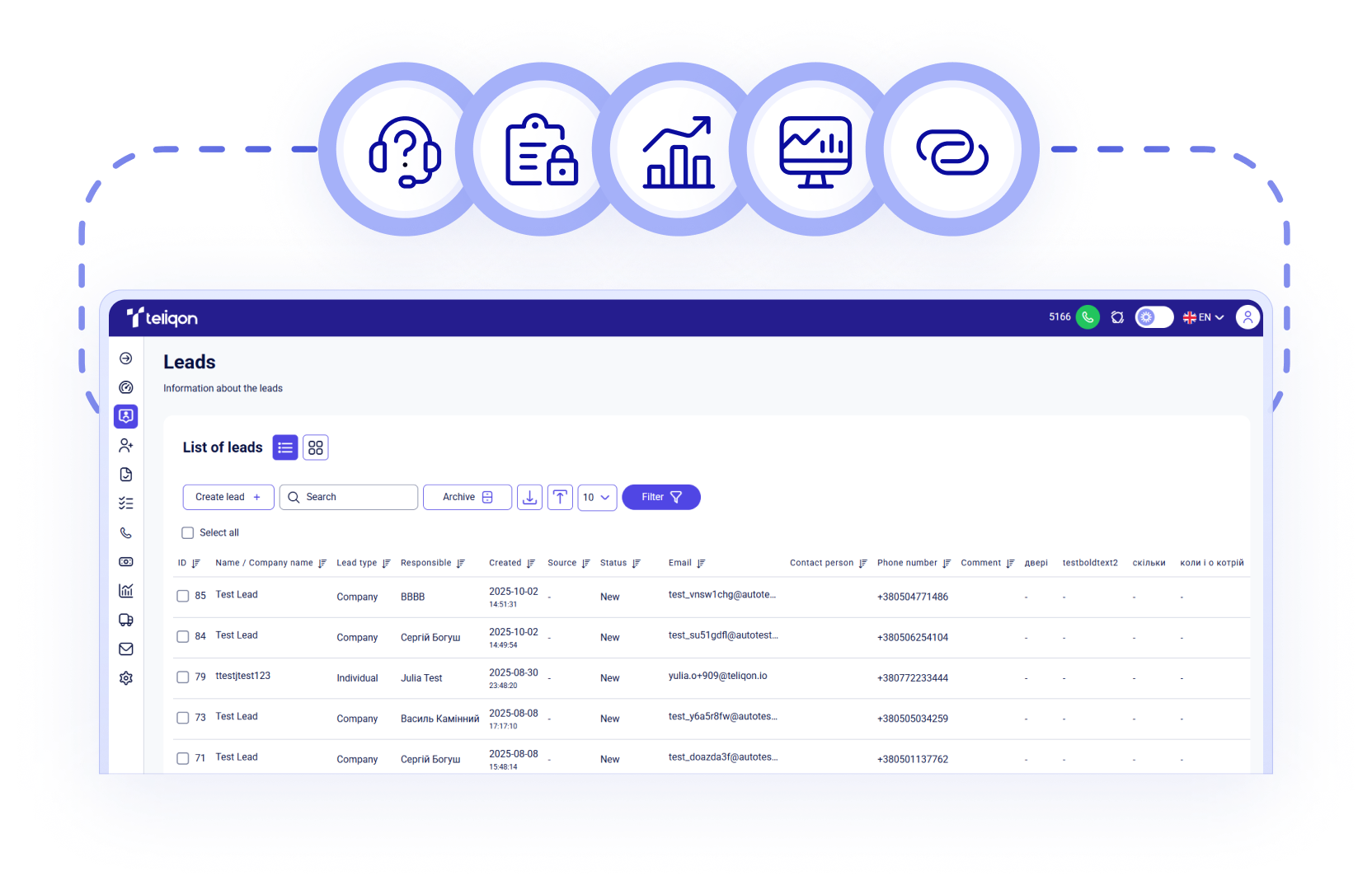

Inbound calls automatically open contact profiles in the CRM, displaying ID, account details, — helping agents respond with full context.

Call records are automatically generated in Dynamics 365 under phone call activities, capturing all key details — no manual input required.

When a call comes from an Unknown, Teliqon PBX can auto-create a new contact in Dynamics 365, ensuring your database remains up to date.

Access and listen to audio recordings linked to call activities directly within Dynamics 365 — a convenient way to support service quality.

Calls are processed securely within the CRM through encrypted channels — no third-party apps are required for core telephony functions.

Configure how inbound and outbound numbers link to contacts, and set custom rules to automatically create leads or contacts.

Each CRM user is connected to their Teliqon PBX extension, ensuring every call is tracked and auto-logged within activity records.
Book a Discovery Call
Learn how Teliqon’s solutions can enhance sales, communication & efficiency.
Receive a Custom Proposal
Get a tailored plan with the best Teliqon solutions for your business needs.
Seamless Integration
Set up Teliqon’s tools in your existing systems for seamless operations performance.
Maximize Outcomes
Boost communication with high-quality calls and improved SMS campaigns.
24/7 Support and Optimization
Enjoy ongoing 24/7 support to ensure smooth operations & continuous improvement.
The Dynamics 365 VoIP integration requires Dynamics 365 Sales and Microsoft 365 Business (Basic, Standard, or Premium) with CRM integration enabled.
Each integration comes with a Knowledge Base, tailored to your needs. Prefer a helping hand? Our support team is always here to assist with any step – you don’t have to do it alone.