
Contact us
You can always send us a message or email. Weʼd be happy to help you out.
You can always send us a message or email. Weʼd be happy to help you out.
Enable Google SSO integration for your business phone system. Allow users to log in securely with their Google account for simplified access and enhanced security.
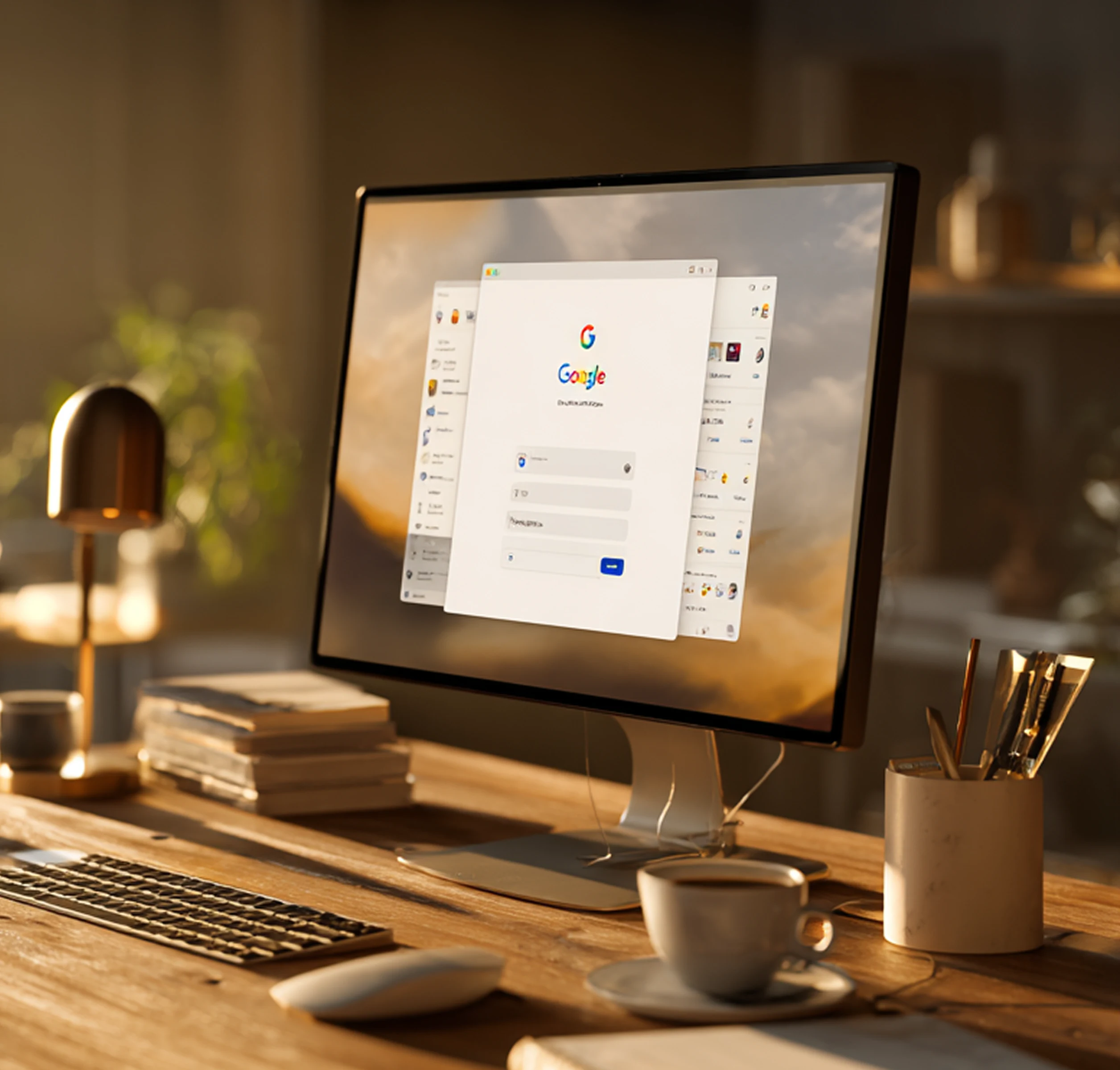









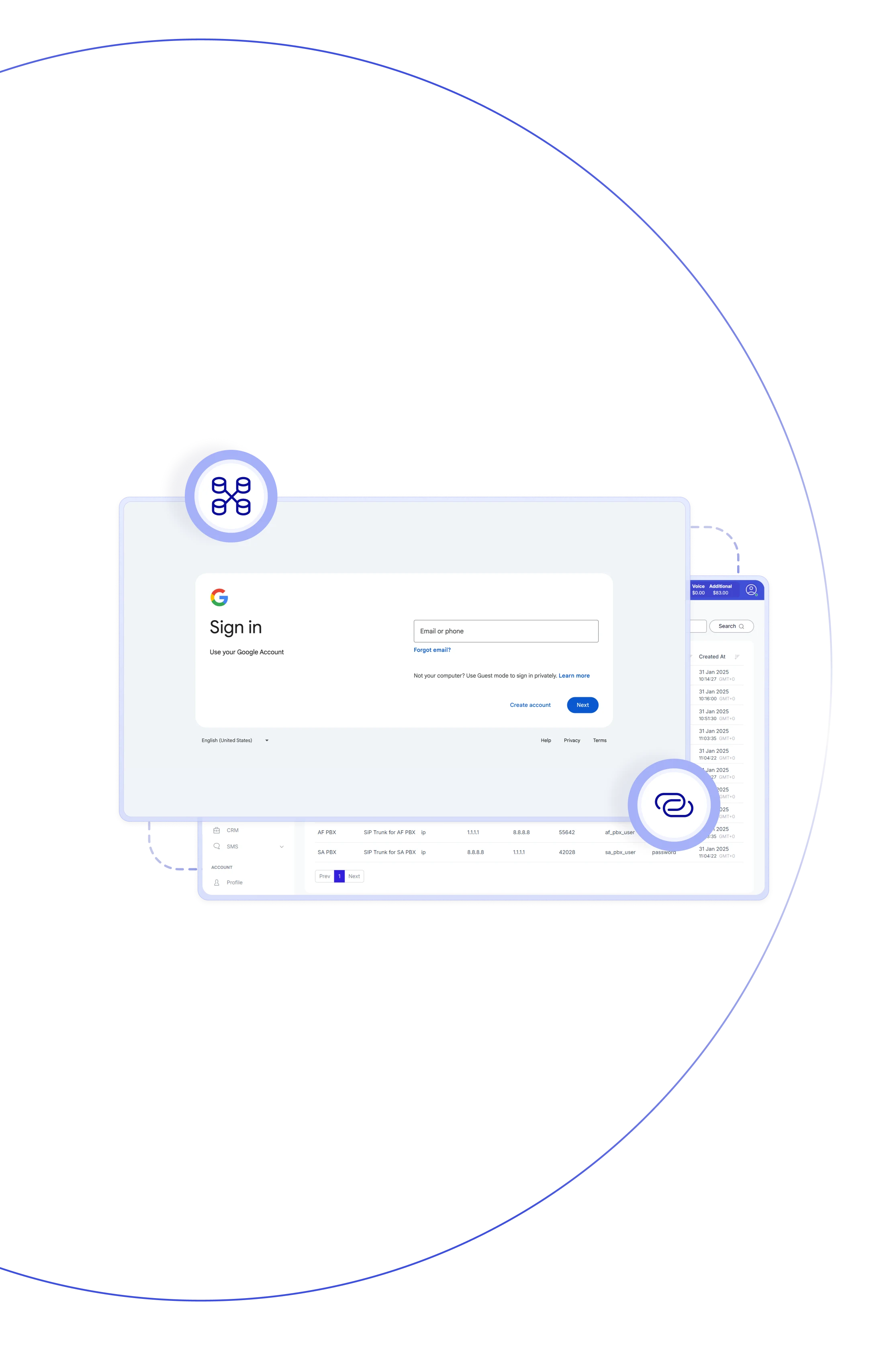
Teliqon PBX offers seamless Google SSO integration, enabling one-way user sync and secure access through Google Identity SSO. Users added or managed in Google Workspace are automatically provisioned with PBX extensions, and directory updates flow directly into telephony. Logging in with Google credentials simplifies authentication, reduces password fatigue, and enhances overall account security.

Easily manage all user accounts in Google Workspace, and have updates auto-sync with Teliqon PBX, minimizing manual provisioning.

When a Google user syncs, the PBX automatically creates and assigns an extension—streamlining setup and reducing admin work.

Users can sign in to PBX clients using their Google account—no extra passwords to remember and fewer login hassles.

Any updates to a Google user’s profile, such as name or email, are automatically mirrored in PBX—ensuring consistency across systems.

When a Google user is removed or disabled, their PBX extension can be automatically deleted—reducing orphaned accounts.

Leverage Google’s secure authentication flows and OAuth standards to strengthen your PBX security posture and simplify user access.

Fewer password reset calls and manual provisioning tasks—lets your IT team focus on higher‑value. strategic business work.

Whether you have 50 users or 5,000, the integration fully supports large‑scale automated provisioning via the Google directory.
Allow users to access your platform instantly while streamlining account management and maintaining secure authentication with Google SSO.
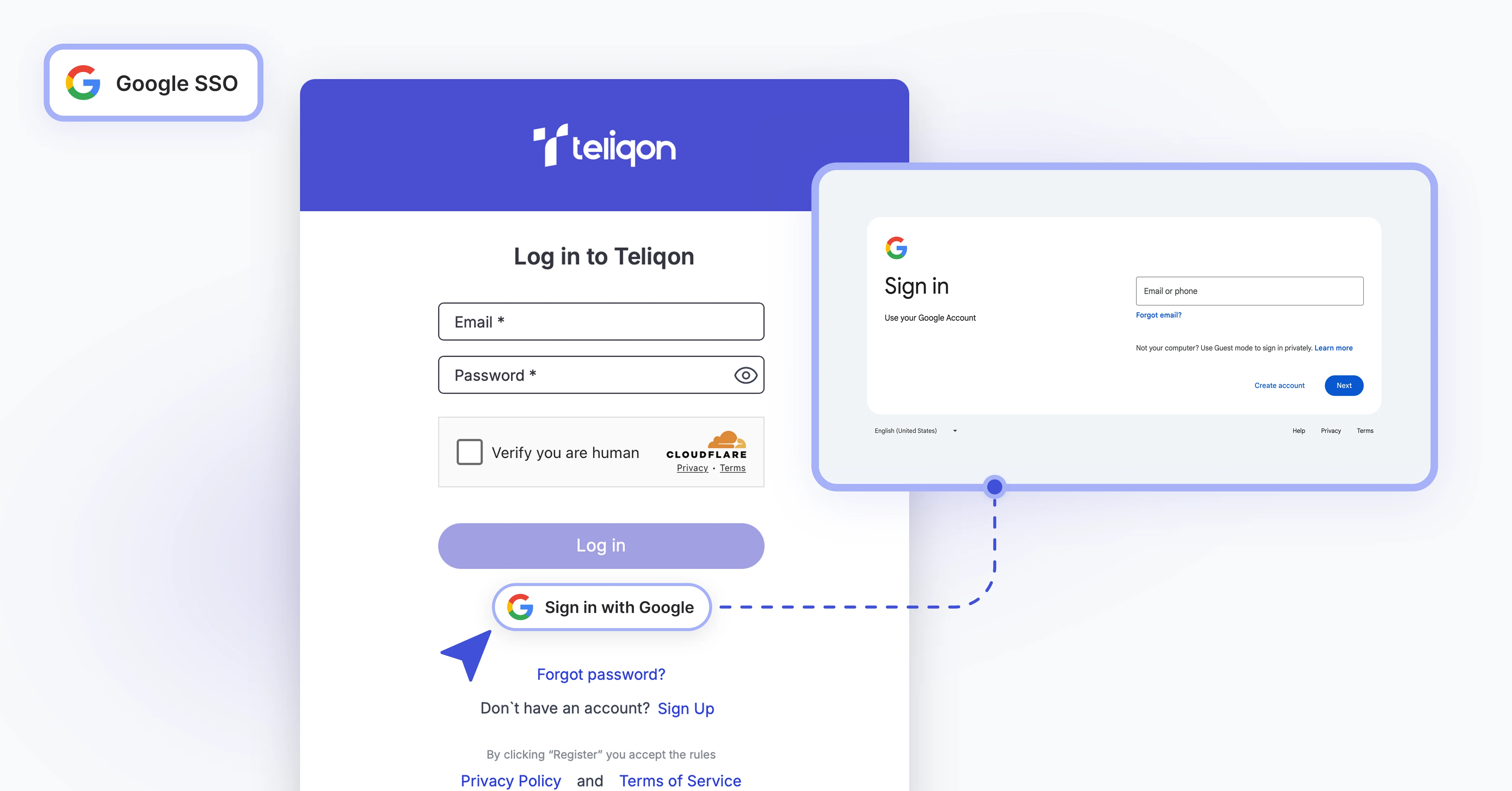

One-way sync from Google Workspace to PBX ensures users, groups, and units stay aligned.
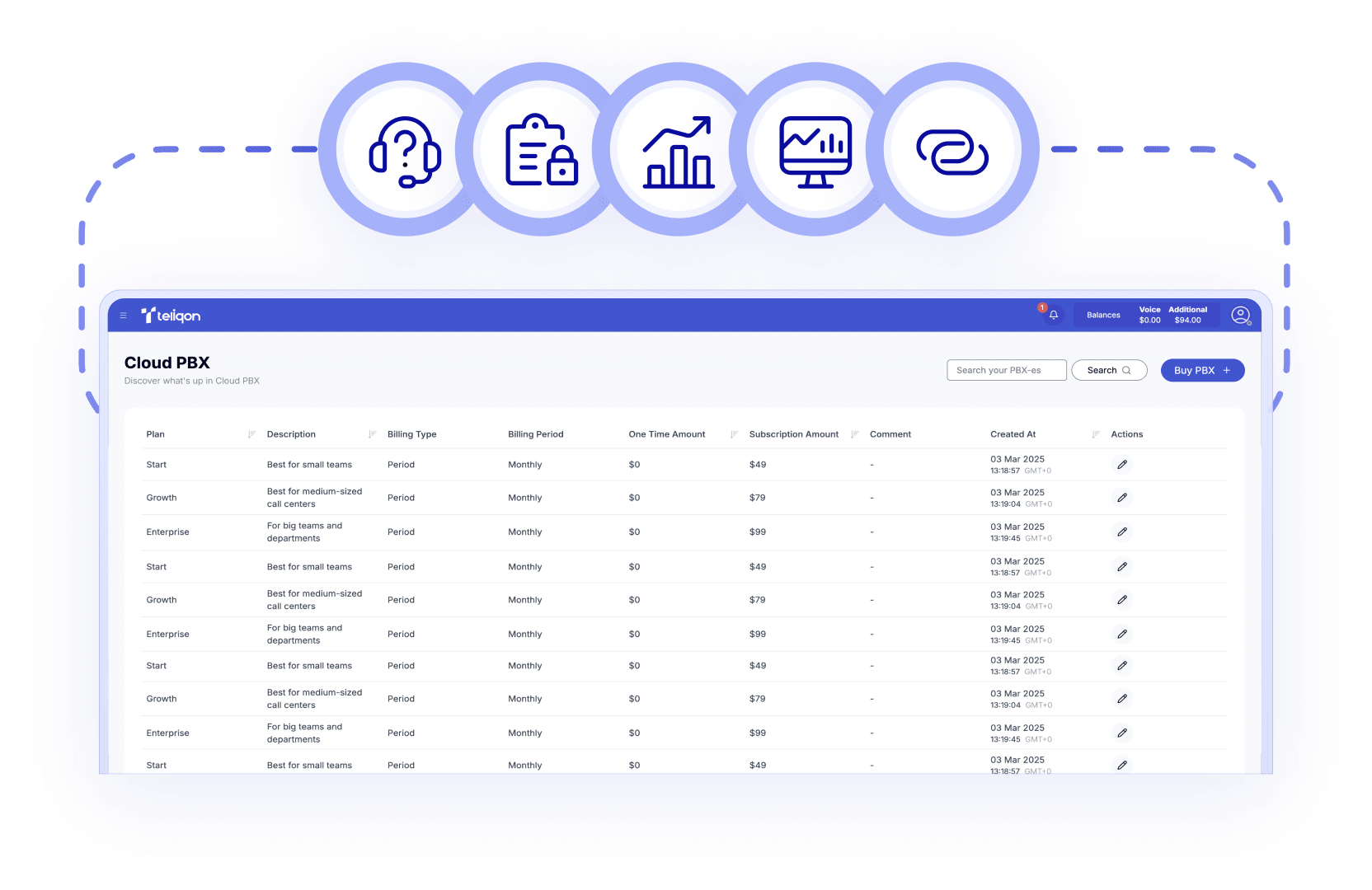

Automatically create dedicated PBX extensions for all synced and verified Google users.

If a user’s details—name or email—are updated in Google, the PBX extension auto-syncs to match.

Enable users to securely authenticate to PBX services using their Google credentials via OAuth.

Choose to sync all users, specific groups, or organizational units (OUs) rather than the entire directory.

Set PBX to auto-remove extensions when the linked Google Workspace user is deleted or marked inactive.

The integration uses Google’s OAuth 2.0 protocol and authorized redirect URIs for secure authentication.

It takes a few steps: register a Google app, copy the client ID & secret, add the redirect URI in PBX, and enable sync.
Book a Discovery Call
Learn how Teliqon’s solutions can enhance sales, communication & efficiency.
Receive a Custom Proposal
Get a tailored plan with the best Teliqon solutions for your business needs.
Seamless Integration
Set up Teliqon’s tools in your existing systems for seamless operations performance.
Maximize Outcomes
Boost communication with high-quality calls and improved SMS campaigns.
24/7 Support and Optimization
Enjoy ongoing 24/7 support to ensure smooth operations & continuous improvement.
The integration supports Business and Enterprise editions of Google Workspace.
Each integration comes with a Knowledge Base, tailored to your needs. Prefer a helping hand? Our support team is always here to assist with any step – you don’t have to do it alone.