
Contact us
You can always send us a message or email. Weʼd be happy to help you out.
You can always send us a message or email. Weʼd be happy to help you out.
Securely store your call recordings and telephony backups in Google Cloud Storage. Ensure compliance and access your data anytime with a scalable and reliable integration.









Want a smarter way to manage and store your call recordings?
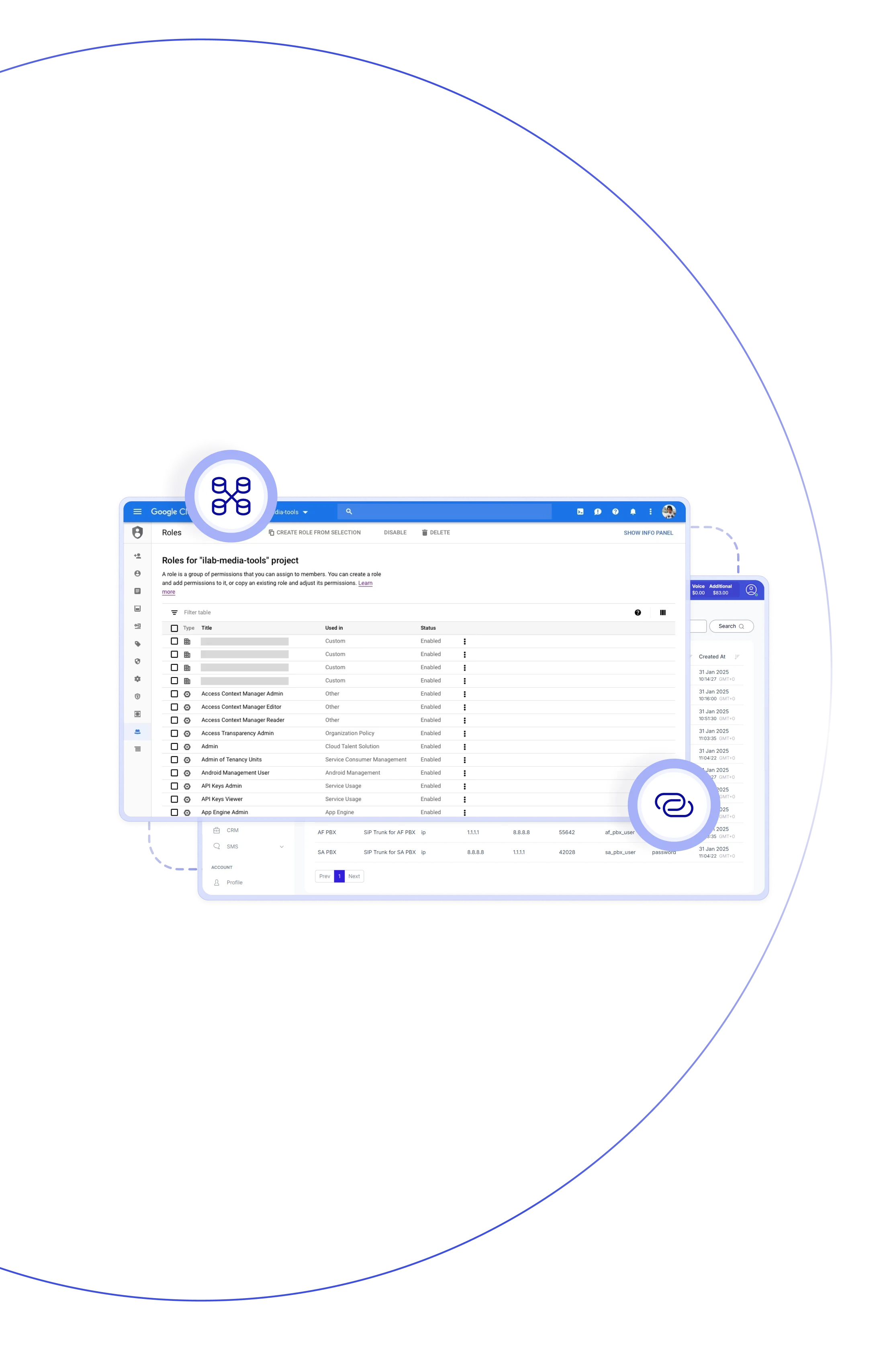
With Teliqon PBX, you can archive recordings directly to cloud platforms such as Google Cloud Storage — a perfect fit for businesses that use Google storage for telephony. Set up your Google bucket, link it to PBX, and automate archiving on your schedule. Auto-cleanup also helps free PBX space, ensuring smooth, scalable PBX Google Storage operations.

Store as many call recordings as you need without worrying about local storage limits — Google Cloud scales with your business.

Automatically archive files and purge local copies as needed, helping your PBX run faster and simplifying upgrades.

Switching to cloud storage can significantly reduce costs compared to using large local drives or network storage.

Maintain long-term, off-site recording storage to satisfy retention policies while keeping PBX hardware free from extra burden.

If your PBX hardware goes down, your recordings remain fully protected in the cloud and always accessible for immediate recovery.

Review detailed archive logs, filter tasks, and retry any failures, while receiving email alerts on each archive task's status.

Files are sorted by type, task name, sync date, and grouped into date-based subfolders for quick, effortless identification.

With cloud archiving built in, your PBX infrastructure is ready to scale and no longer limited by hardware capacity limits.
Integrate seamlessly to keep your data safe, scalable, and accessible. Automate uploads, maintain compliance, and manage call recordings.

Sign in to the PBX, add Google Cloud Storage under System →Connect your bucket, and start your archive tasks.
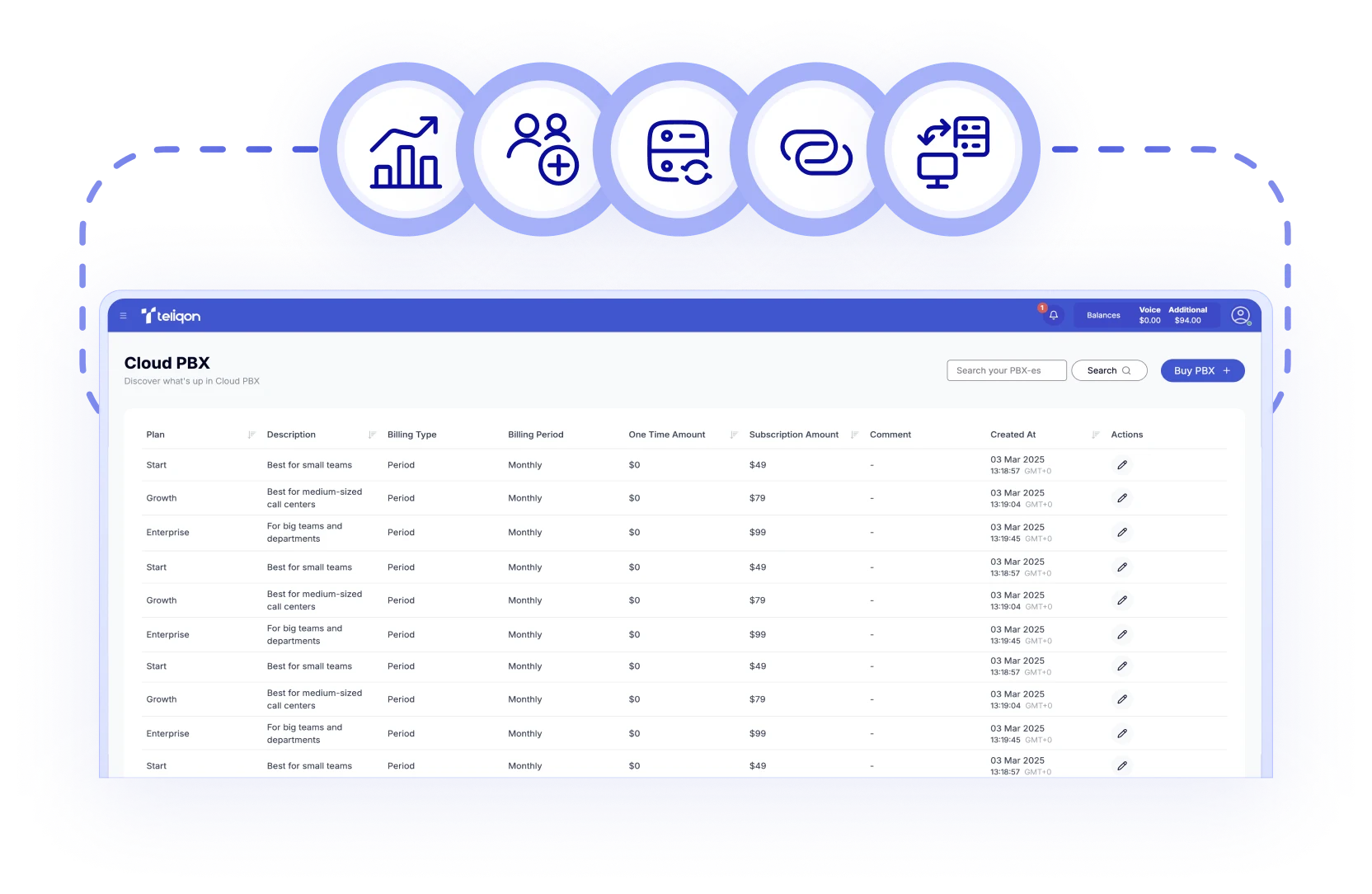

Create tasks that define recordings, date range, and how often they run — one-time, daily, weekly, or monthly.

Teliqon PBX supports Google Cloud Storage and Amazon S3 as flexible, high-capacity archive server options.

You can choose to delete local files once they’re archived, reclaiming on-site space and improving performance.

Each file is labelled with its type, name, and date, and auto-placed into subfolders if the task runs for more than one day.

View archive logs to check status, filter by outcome, rerun failed tasks, and get email alerts for both success and failure.

Each PBX system can connect to as many as 10 external archive servers, supporting redundancy or a multi-cloud setup.

Send call recordings straight to the connected cloud bucket for fully automated, seamless, hands-off archiving.
Book a Discovery Call
Learn how Teliqon’s solutions can enhance sales, communication & efficiency.
Receive a Custom Proposal
Get a tailored plan with the best Teliqon solutions for your business needs.
Seamless Integration
Set up Teliqon’s tools in your existing systems for seamless operations performance.
Maximize Outcomes
Boost communication with high-quality calls and improved SMS campaigns.
24/7 Support and Optimization
Enjoy ongoing 24/7 support to ensure smooth operations & continuous improvement.
To enable VoIP Google backup, you'll need a Google Cloud project with a service account that has full access to Cloud Storage. Then create a bucket and generate access keys so the PBX can connect securely.
Each integration comes with a Knowledge Base, tailored to your needs. Prefer a helping hand? Our support team is always here to assist with any step – you don’t have to do it alone.