
Contact us
You can always send us a message or email. Weʼd be happy to help you out.
You can always send us a message or email. Weʼd be happy to help you out.
Connect Teliqon PBX with HubSpot CRM to automate call tracking, enhance customer insight, and let your teams work faster with real-time data right where they need it.












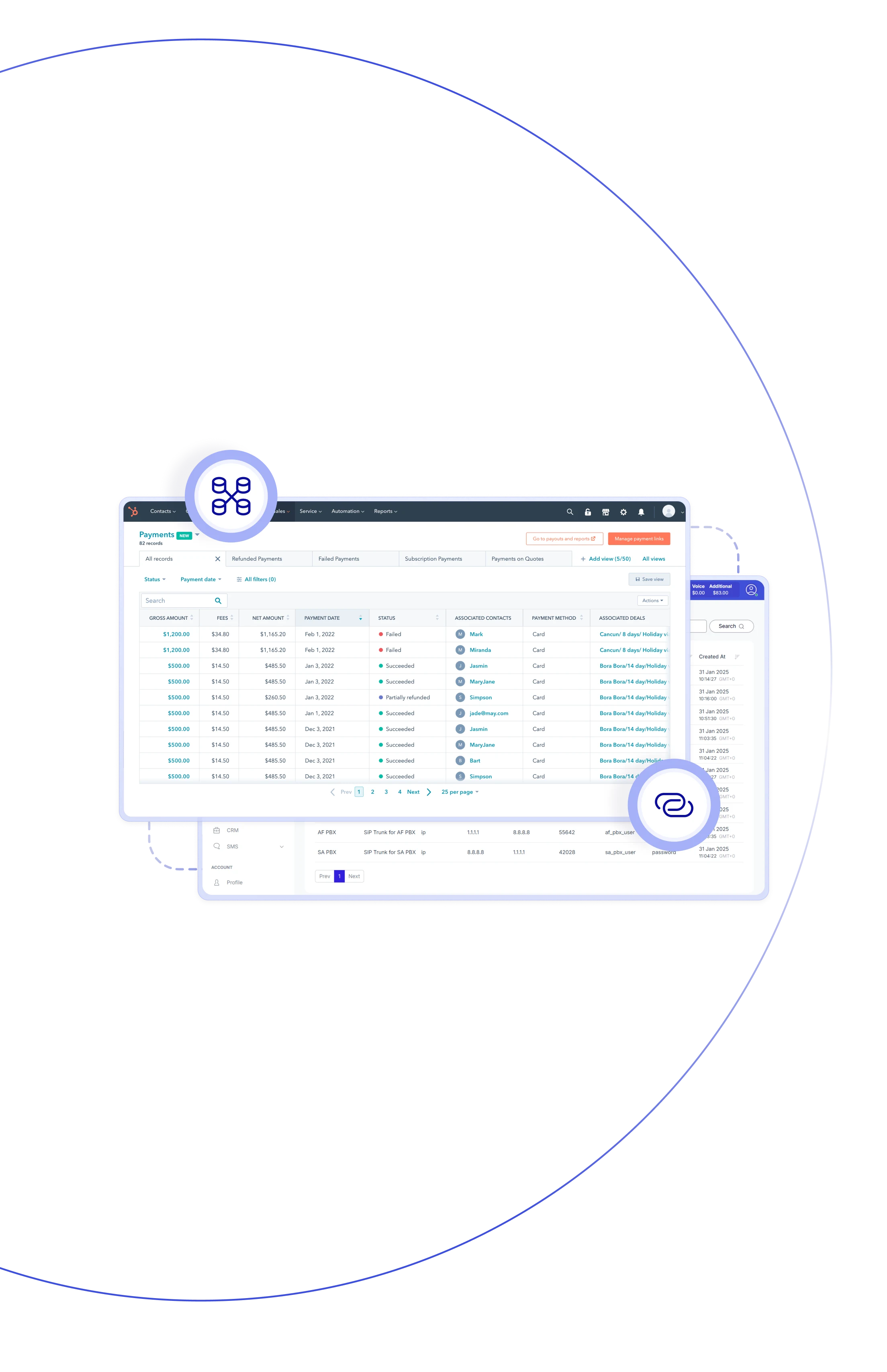
Turn every conversation into action with Teliqon PBX and Zendesk CRM
system. Have instant access to caller details, use screen pop-ups, auto-
create tickets or contacts, and keep all interactions logged in one space –
no manual updates required.

With click-to-call and auto-logging features, your team stays focused on closing deals – fewer errors, faster workfows, better results.

Caller ID pop-up instantly displays contact info and deal status, ensuring agents are always ready and confident when dealing with leads.

HubSpot contacts stay in sync with Teliqon PBX across all devices. (IP phones, apps, and browsers) ensuring smooth communication.

Each call – inbound, outbound, and missed one – is auto-saved in HubSpot, including timestamps, call notes, and more details.

Once the call ends, sales reps can instantly log follow-ups, move details forward, or assign actions right in HubSpot.

Does switching tools slow your team down? Centralizing communication with HubSpot CRM integration allows managers to close deals faster.

Ever missed calls from unknown numbers? Teliqon PBX automatically adds them as new leads in HubSpot, empowering your team.

HubSpot dashboards display detailed call metrics synced from Teliqon PBX, giving managers the insights they need to coach.
Make and receive calls directly from HubSpot, log call activities automatically, access full contact history, and empower your team.
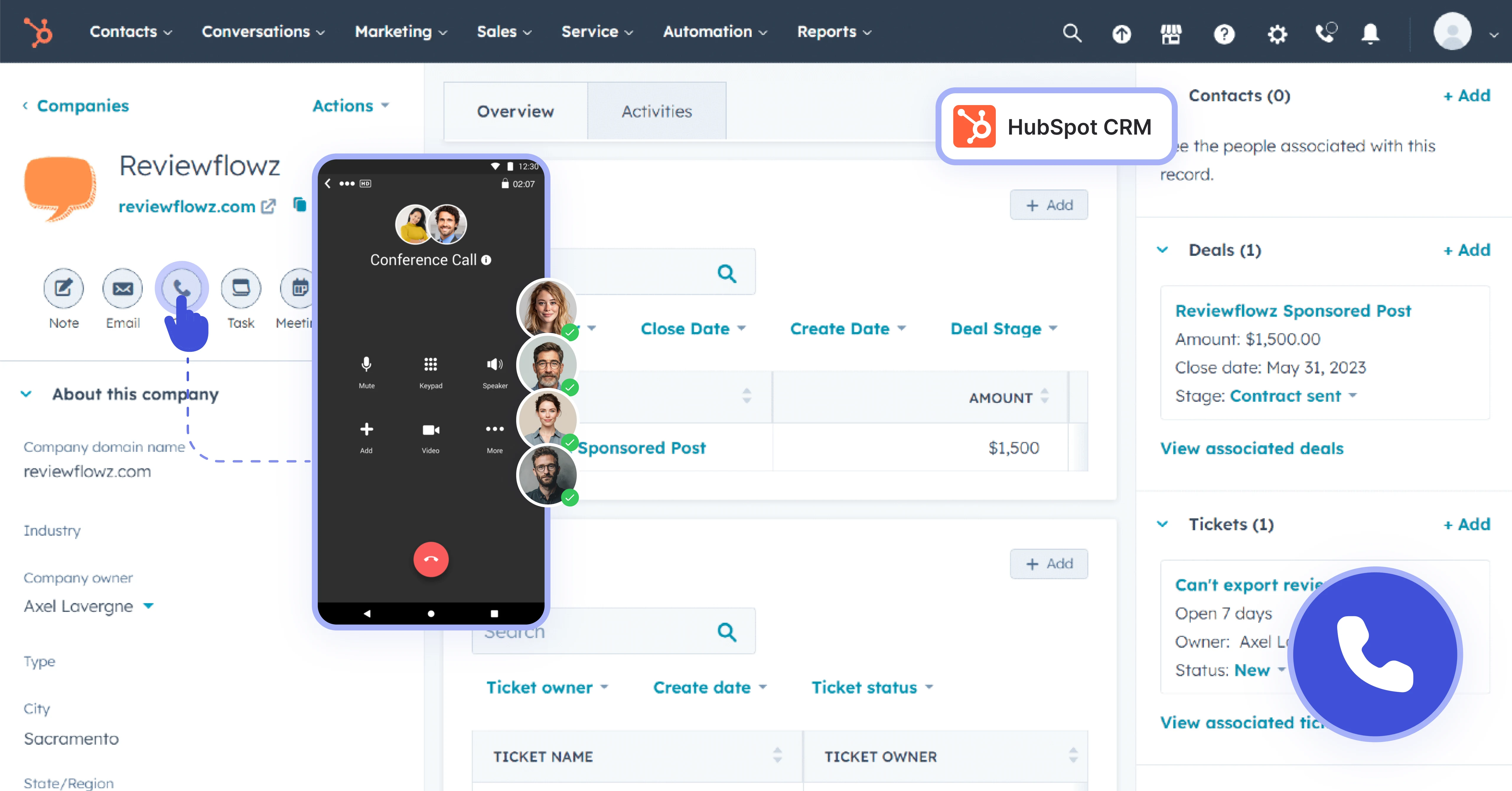

Start calls instantly from any contact, company, or deal in HubSpot with just one click — no manual dialing required.

Within the HubSpot CRM integrated phone tool, track real-time insights as the call comes in.

All calls are saved in HubSpot under the correct contact, with timestamps, direction, and agent details. All automated.

Add call notes manually or review full call recordings, or listen to full call recordings right in HubSpot, with complete context.

Keep your phone system & CRM perfectly aligned with two-way contact sync across web, mobile, and desk phones.

Unknown caller? Teliqon PBX converts him into a new HubSpot lead, automatically logging the call details and caller ID.

Get the full picture with HubSpot's built-in reports – track call volume, duration, results, and performance in one place.

Each team member’s extension links with their HubSpot account, ensuring correct call attribution and visibility.
Book a Discovery Call
Learn how Teliqon’s solutions can enhance sales, communication & efficiency.
Receive a Custom Proposal
Get a tailored plan with the best Teliqon solutions for your business needs.
Seamless Integration
Set up Teliqon’s tools in your existing systems for seamless operations performance.
Maximize Outcomes
Boost communication with high-quality calls and improved SMS campaigns.
24/7 Support and Optimization
Enjoy ongoing 24/7 support to ensure smooth operations & continuous improvement.
Teliqon PBX integrates seamlessly with HubSpot Free, Starter, Professional, and Enterprise editions.
Each integration comes with a Knowledge Base, tailored to your needs. Prefer a helping hand? Our support team is always here to assist with any step – you don’t have to do it alone.