
Contact us
You can always send us a message or email. Weʼd be happy to help you out.
You can always send us a message or email. Weʼd be happy to help you out.
Turn Microsoft Teams into a powerful business phone system. Make and receive calls globally with a flexible, secure, and fully integrated cloud communication solution.












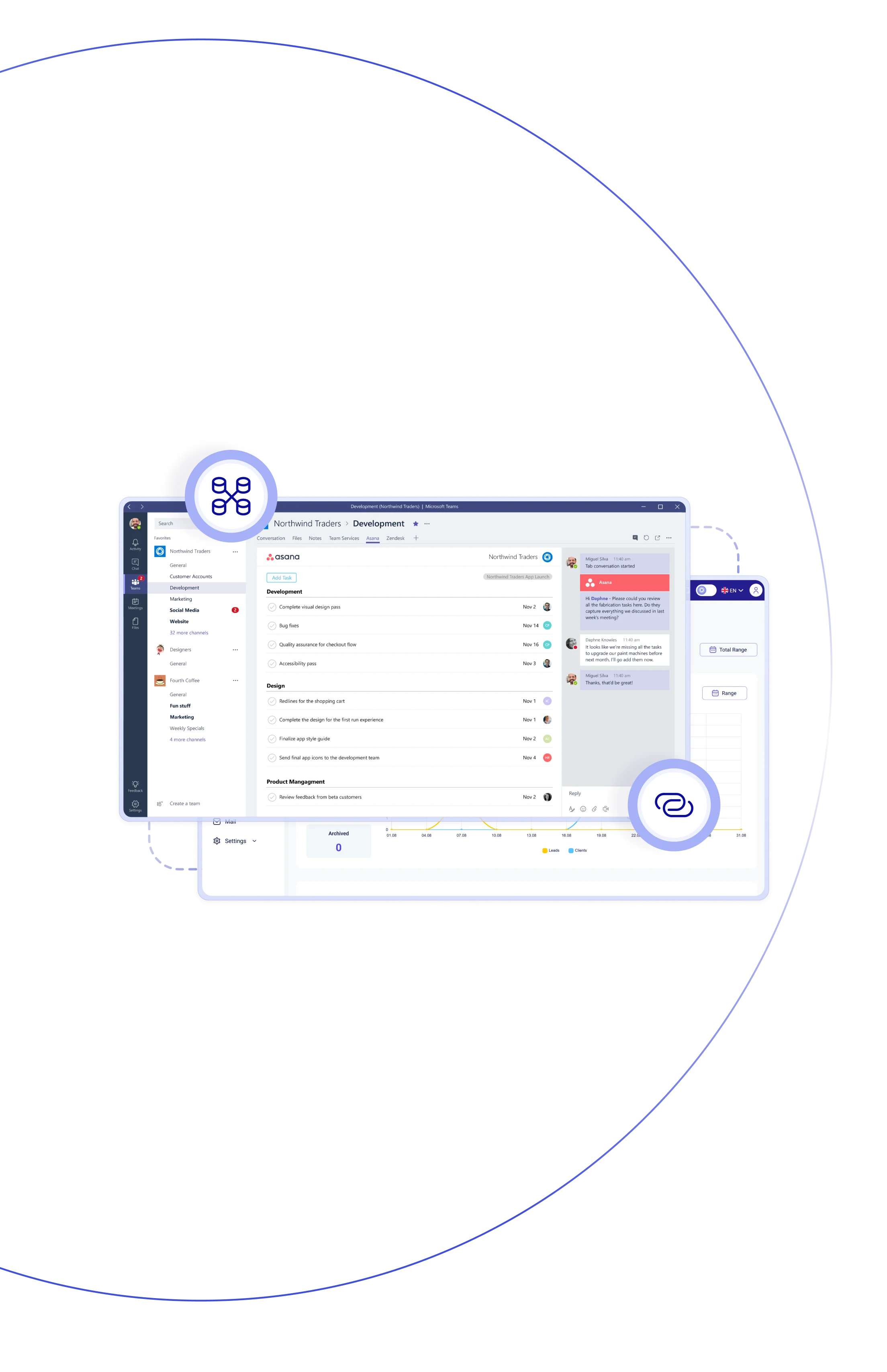
Teliqon PBX delivers seamless Microsoft Teams phone integration, offering
a built-in calling experience without the need for Teams Phone licensing or
extra software. This PBX integration with Microsoft Teams lets users link
their Teams accounts to extensions, enabling internal and external calling
with full SIP-based functionality directly inside the Teams interface.

With Microsoft Teams phone system integration, you can place and receive calls inside Teams using your existing business number and PBX setup.

With Microsoft Teams PBX integration, enjoy seamless business telephony within Teams without needing costly Teams Phone or calling plans.

Access both personal and corporate contacts synced between Teams and your PBX — making dialing faster, smarter, and more efficient.

Benefit from advanced PBX features — IVR, intelligent routing, queue management, call recording, voicemails — all within Microsoft Teams.

With Microsoft Teams VoIP integration, connect in minutes: install the Teams embedded calling app, link users with PBX extensions, and you’re ready to go.

When you integrate VoIP with Microsoft Teams via Azure AD, user presence automatically syncs with PBX extensions, keeping real-time updates.

Phone system integration with Microsoft Teams makes internal & external collaboration effortless — your team uses full PBX capabilities within Teams.

Skip costly Microsoft calling add-ons with Teliqon PBX’s integration — fully embedded, efficient, and budget-friendly for any business.
Make and receive calls worldwide, manage conversations within Teams, and empower your organization with a fully integrated cloud platform.
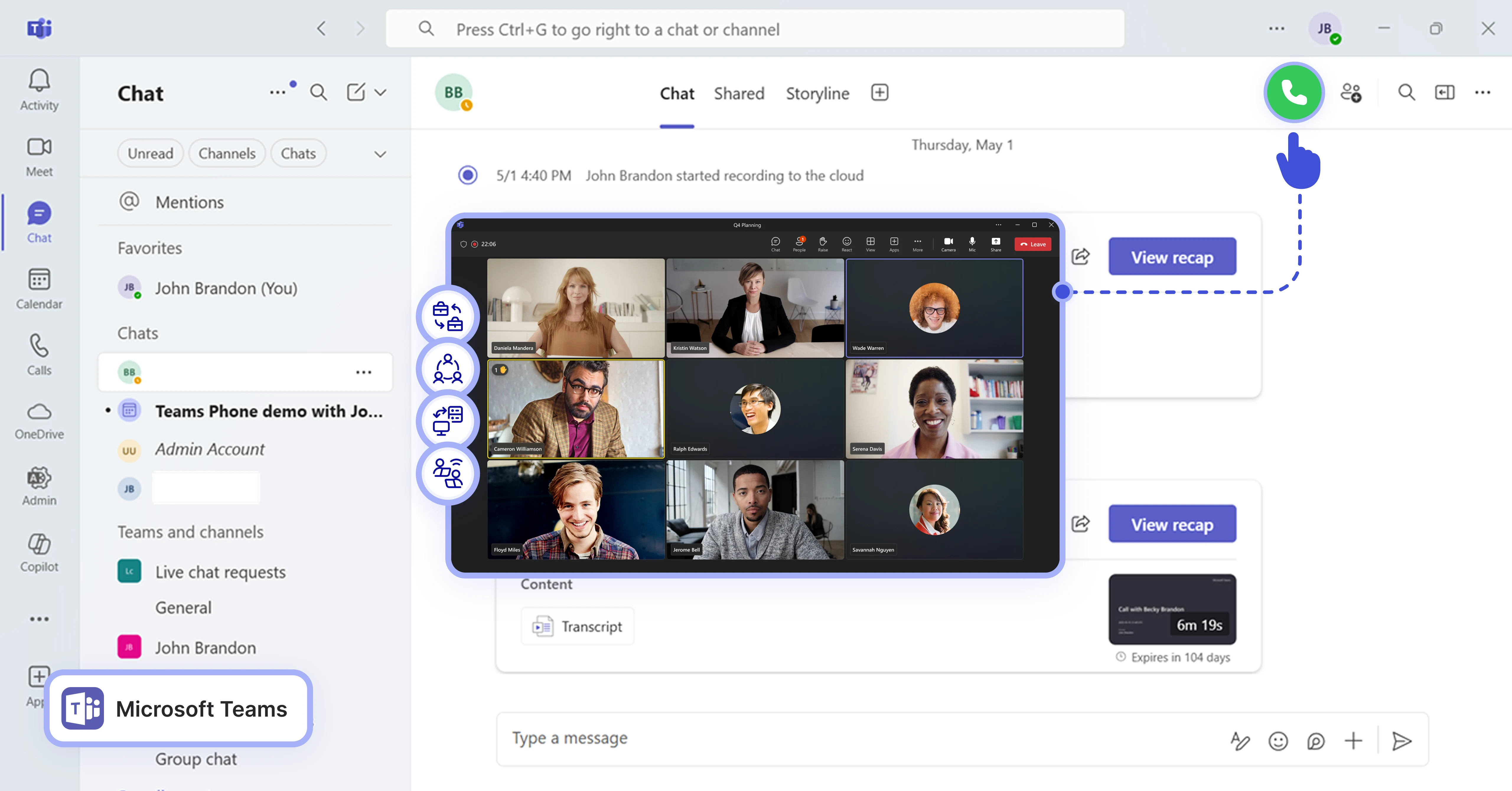

With Microsoft Teams and phone integration, you can place calls by clicking any number inside Teams — handled through PBX extension.
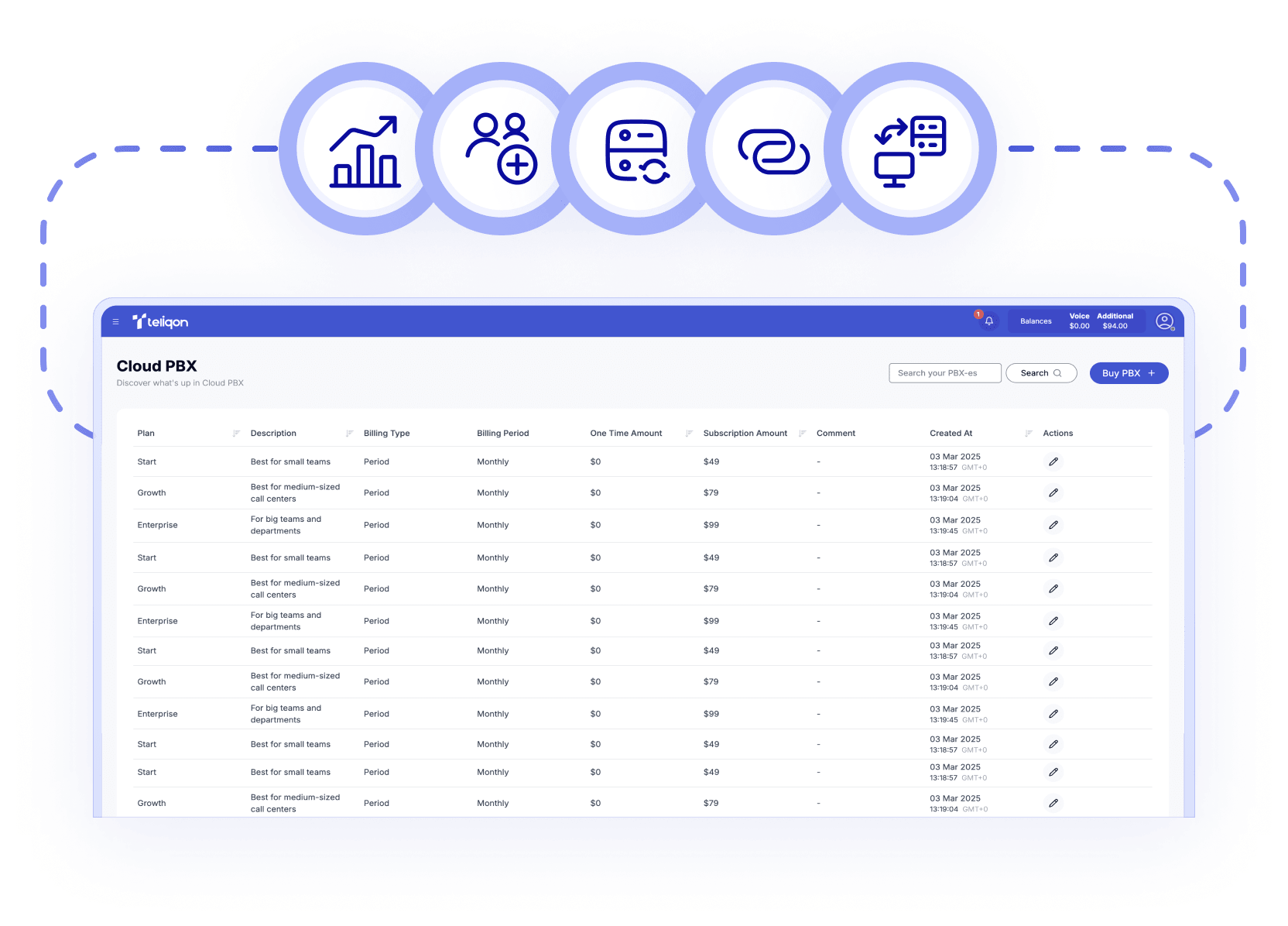

Call center software that integrates with Microsoft Teams lets you receive calls directly in Teams via your PBX.

View your complete call history—missed, incoming, and outgoing— within Teams for easy reference.

Listen to or download voicemails and call recordings directly within Teams — no switching apps required.

Access PBX-grade features — IVR, call queues, routing, and recording — directly through Teams.

Easily reach contacts with synced PBX and Teams directories, combining personal, business, and CRM lists in one place.

Integrate VoIP with Microsoft Teams via Azure AD to synchronize PBX extension status and Teams presence instantly.

Set it up once — Teams users automatically become PBX extensions, with no extra apps or hardware needed.
Book a Discovery Call
Learn how Teliqon’s solutions can enhance sales, communication & efficiency.
Receive a Custom Proposal
Get a tailored plan with the best Teliqon solutions for your business needs.
Seamless Integration
Set up Teliqon’s tools in your existing systems for seamless operations performance.
Maximize Outcomes
Boost communication with high-quality calls and improved SMS campaigns.
24/7 Support and Optimization
Enjoy ongoing 24/7 support to ensure smooth operations & continuous improvement.
No. Teliqon PBX offers Microsoft Teams integration with phone system features built in, so there’s no need for extra Teams Phone or calling plans.