
Contact us
You can always send us a message or email. Weʼd be happy to help you out.
You can always send us a message or email. Weʼd be happy to help you out.
Integrate Teliqon PBX with Red Hat SSO to centralize access, automate user provisioning, and reduce admin workload.


















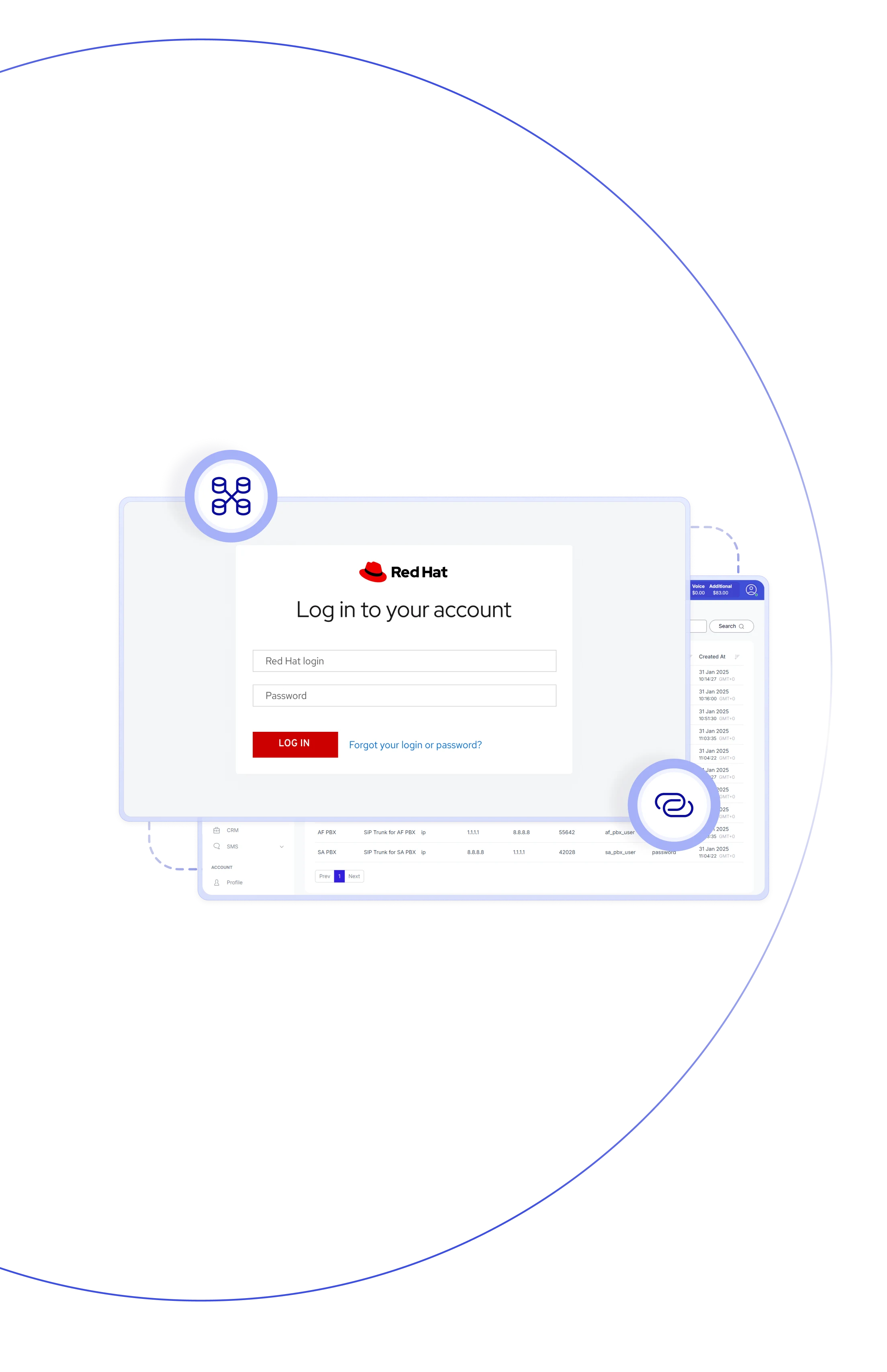
Teliqon PBX integrates with Red Hat SSO using SAML and OpenID Connect to connect with your identity provider. Users log in once and get instant access to PBX services—including extensions and softphone clients — without separate credentials. New users are automatically synced and assigned extensions, eliminating manual setup.

All user identities managed in one place (Red Hat SSO), with changes reflected automatically in PBX — no duplication of user records.

New users in SSO receive PBX extensions automatically, speeding up onboarding.

Users log into PBX (web or desktop clients) using their SSO credentials — no extra passwords to remember.

User attributes (name, email, etc.) from SSO stay synced with PBX, ensuring consistent user info.

Less manual user provisioning — fewer errors, less repetitive work, faster user lifecycle management.

Single identity source simplifies password policies and auditing.

Sync all users, selected groups, or organizational units from Red Hat SSO — suitable for businesses of any size.

Works for PBX web, desktop clients, and any device where PBX services are used — unified access everywhere.
Connect your telephony system with Red Hat SSO to centralize authentication, and simplify identity management across your team.
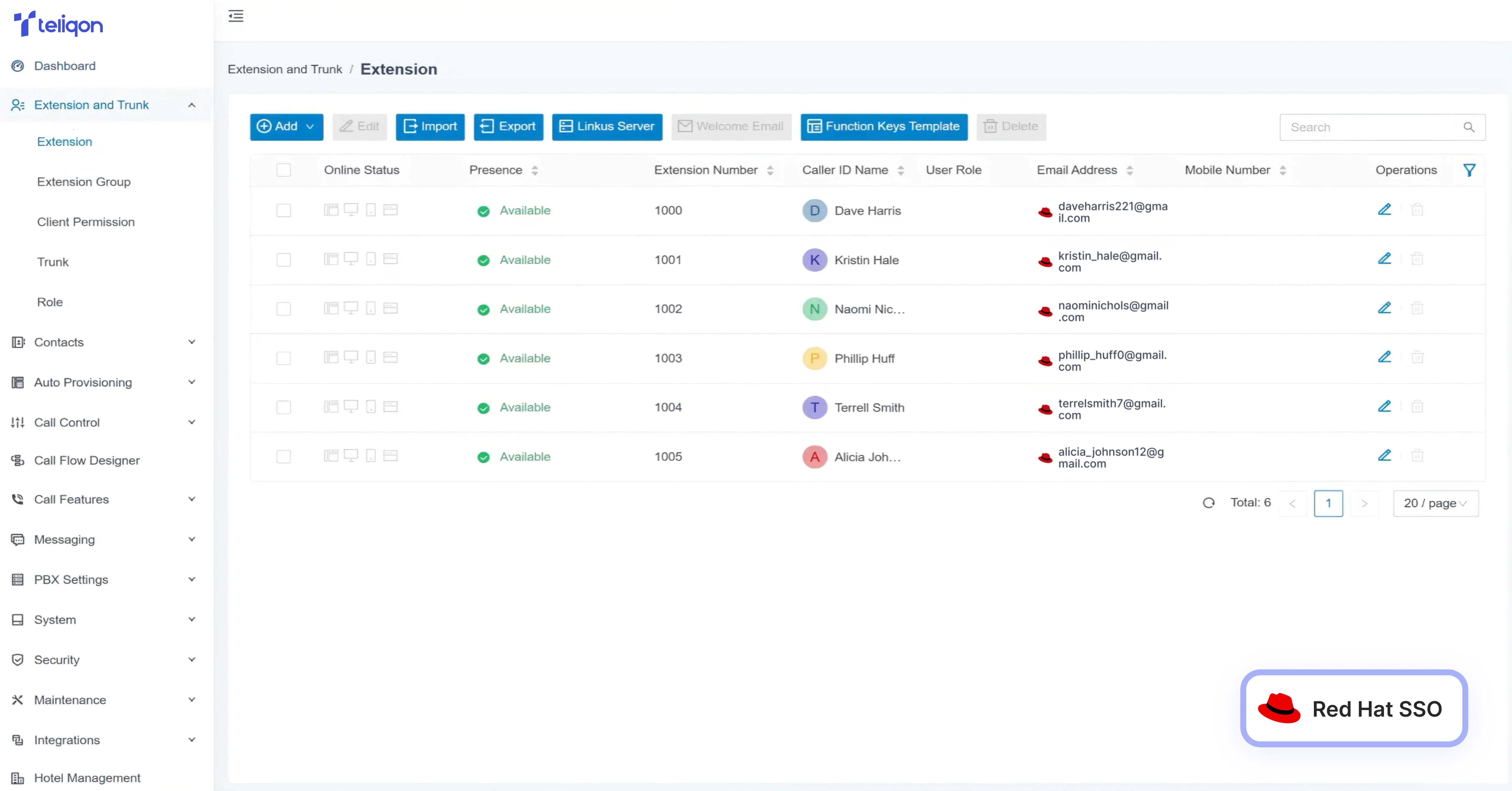

Sync users (and groups/OUs) from Red Hat SSO to PBX; keep user list up-to-date automatically.
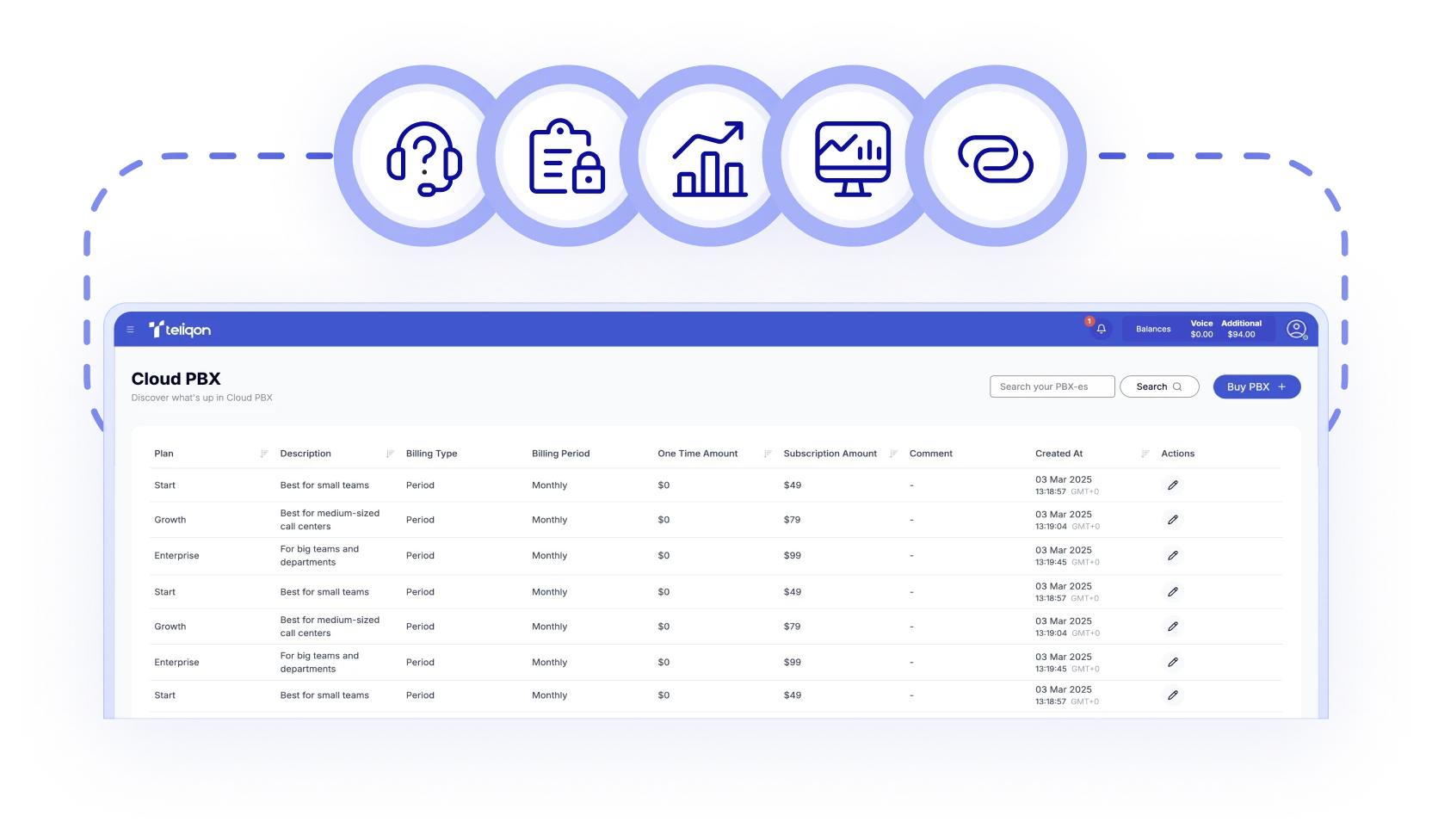

New SSO users get PBX extensions based on predefined rules — no manual setup.

Users access PBX clients via SSO — no separate credentials required.

Map SSO user attributes (e.g. email, name) to PBX extension fields to keep profiles consistent.

Control which users/groups from SSO are synced — full flexibility for complex organizations.

If a user is removed or disabled in SSO, their PBX extension can be automatically disabled or deleted (configurable).
Integration uses standard SSO protocols for secure and compatible authentication.

Set up via metadata import or manual config; manage sync schedule, secrets, and disable integration if needed.
Book a Discovery Call
Learn how Teliqon’s solutions can enhance sales, communication & efficiency.
Receive a Custom Proposal
Get a tailored plan with the best Teliqon solutions for your business needs.
Seamless Integration
Set up Teliqon’s tools in your existing systems for seamless operations performance.
Maximize Outcomes
Boost communication with high-quality calls and improved SMS campaigns.
24/7 Support and Optimization
Enjoy ongoing 24/7 support to ensure smooth operations & continuous improvement.
Red Hat SSO version 7.6 or later is recommended to ensure full compatibility and optimal performance.