
Contact us
You can always send us a message or email. Weʼd be happy to help you out.
You can always send us a message or email. Weʼd be happy to help you out.
Transform Salesforce into a modern call center. Handle inbound and outbound calls with advanced features built for sales and service on a secure cloud platform.










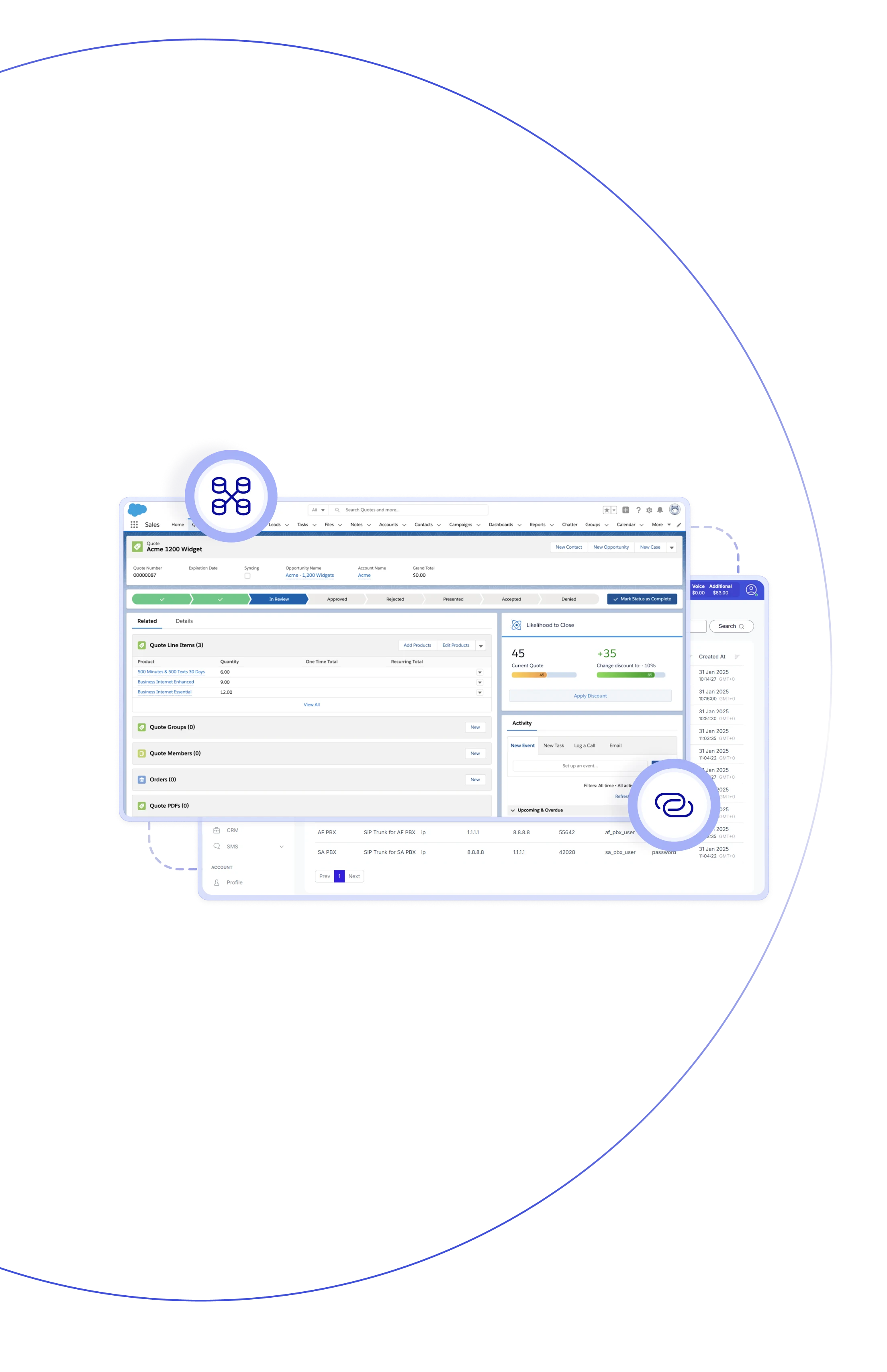
Teliqon PBX connects your phone system with Salesforce CRM, transforming it into a dynamic Salesforce CRM Call Center. Users can make calls with a single click, check real-time pop-ups with caller info, and automatically log call activity and create new leads and contacts. By setting up a Salesforce CRM call center, your teams can handle every customer integration seamlessly – all from within Salesforce itself.

With Salesforce call centers CRM integration, agents can enjoy streamlined workflows, spending more time selling and less time setting up calls.

When a call comes, Salesforce instantly displays a pop-up with contact info, account details, and previous interactions, thus managers have access to the full context.

Every call is automatically tracked in Salesforce with all key details—time, duration, direction, and notes—for accurate and transparent record -keeping.

Unknown callers are automatically added as new contacts or potential customers in Salesforce, allowing you to maintain a complete database and track every opportunity.

Call recordings are automatically saved and linked to the corresponding Salesforce records, allowing managers to review conversations and gain insights directly from the CRM.

Contacts are synchronized automatically between Salesforce and Teliqon PBX, ensuring accuracy and consistency of caller IDs across all devices and channels.

Since every call is logged automatically, sales managers can easily track call activity and agent performance directly from Salesforce reports and dashboards.

Say goodbye to manual updates and messy call logs. Agents can focus on customers rather than paperwork, leading to increased efficiency and better deal closure results.
Manage inbound and outbound calls directly within Salesforce, view customer details instantly, log activities automatically.
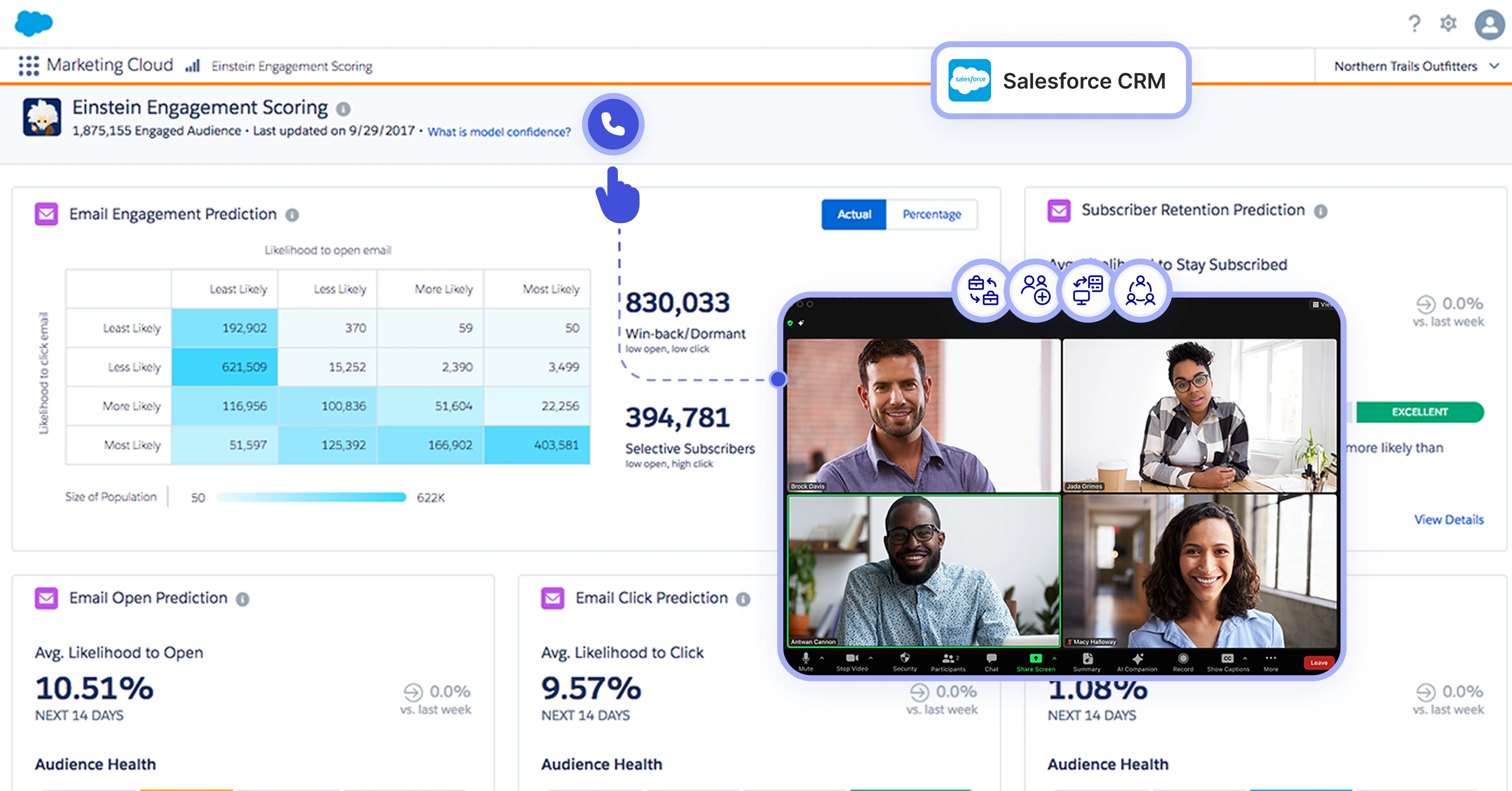

With Teliqon PBX, you can easily initiate calls directly and securely in Salesforce via a browser client or extension, effectively speeding up outgoing calls.
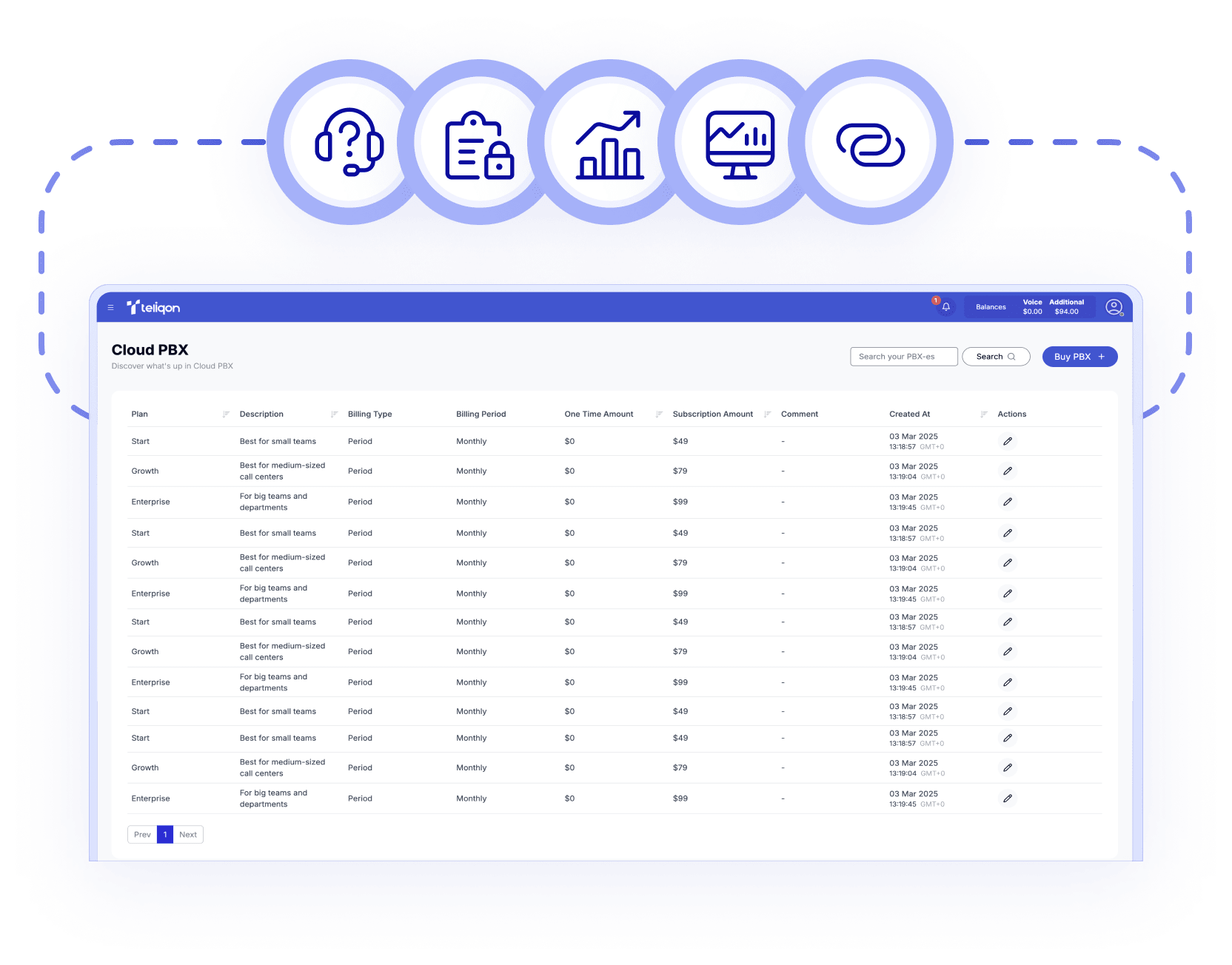

When a call comes in, the CRM pop-up windows instantly display the caller's details, and recent actions, so operators always know who they are talking to.

Once you have set up your call log templates, each call is automatically recorded in Salesforce as a call activity record, including all relevant metadata.

Access detailed notes and call recordings directly within your Salesforce activity timeline for better visibility and more effective customer interactions.

Unknown caller? Salesforce automatically creates a new contact or qualified lead, instantly saving all call information and activity details for you.

Salesforce contacts are automatically synchronized with the Teliqon PBX phone book, ensuring accurate caller identification on IP phones and UC clients.

Salesforce dashboards display synchronized call metrics such as volume, duration, and effectiveness, transforming sales into data-driven processes.

Thanks to each Salesforce user being linked to their internal Teliqon PBX number, calls are accurately tracked and clearly logged in the relevant contact or activity.
Book a Discovery Call
Learn how Teliqon’s solutions can enhance sales, communication & efficiency.
Receive a Custom Proposal
Get a tailored plan with the best Teliqon solutions for your business needs.
Seamless Integration
Set up Teliqon’s tools in your existing systems for seamless operations performance.
Maximize Outcomes
Boost communication with high-quality calls and improved SMS campaigns.
24/7 Support and Optimization
Enjoy ongoing 24/7 support to ensure smooth operations & continuous improvement.
The Teliqon PBX integration works with Salesforce editions that include CTI (Computer Telephony Integration) features – such as Service Cloud Voice, Professional, Enterprise, and Unlimited editions.
Each integration comes with a Knowledge Base, tailored to your needs. Prefer a helping hand? Our support team is always here to assist with any step – you don’t have to do it alone.