
Contact us
You can always send us a message or email. Weʼd be happy to help you out.
You can always send us a message or email. Weʼd be happy to help you out.
Synchronize your company directory with your VoIP phone system using LDAP. Provide a centralized, up-to-date phonebook on all devices to streamline communication.











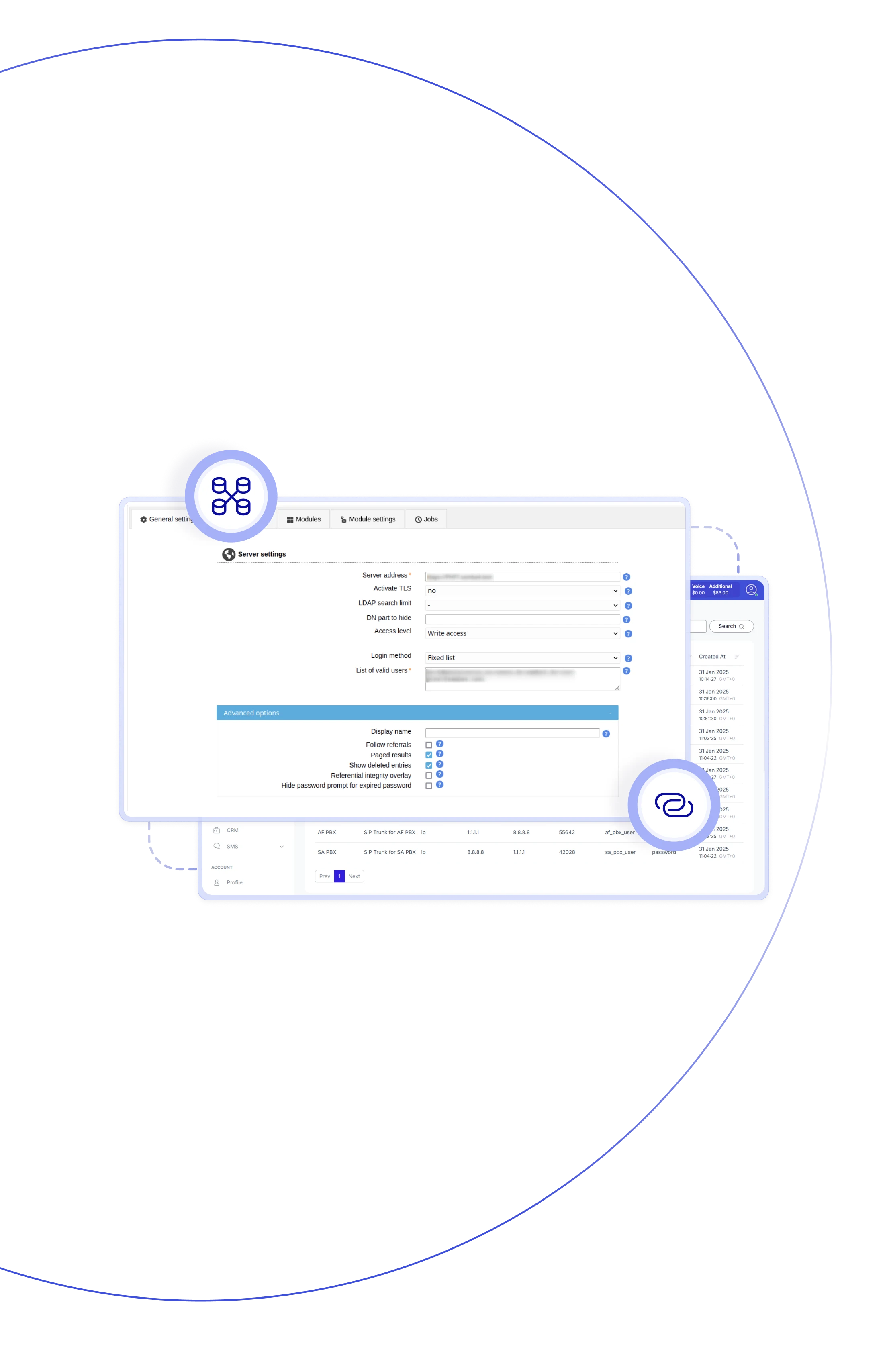
Teliqon PBX connects seamlessly to any third-party LDAP directory—such as Microsoft Active Directory or OpenLDAP — to personalised calling experiences. With this LDAP VoIP integration, the system can look up caller names in real time, synchronize directory contacts into PBX phonebooks, and even route calls based on directory data. It also answers the common question "Why is LDAP important for VoIP phone" by showing how directory-driven lookups and contact sync improve accuracy, reduce manual updates, and streamline communication workflows across your organisation.

Choose full sync, lookup‑only, or routing rules according to business needs—deploy lighter or deeper.

LDAP contacts sync automatically into the PBX phonebook, giving users one central directory to place calls from.

Calls can be routed based on phonebook membership — for example, department‑based queues.

LDAP updates flow straight into the PBX, helping maintain accurate records with far fewer manual corrections.

Any changes in the LDAP directory sync to the PBX on their own, so records stay accurate without extra effort.

Supports large contact volumes (tens or hundreds of thousands) via LDAP sync routines.

LDAP contacts flow directly into the PBX phonebooks, giving users a single place to find and dial numbers.

Caller IDs are retrieved in real time from VoIP LDAP, with no need for manual data entry.
Synchronize your company directory with your VoIP system using LDAP. Keep contacts up-to-date across all devices and simplify communication.

LDAP-synced contacts appear in the PBX phonebooks, allowing users to make calls easily from one unified directory.
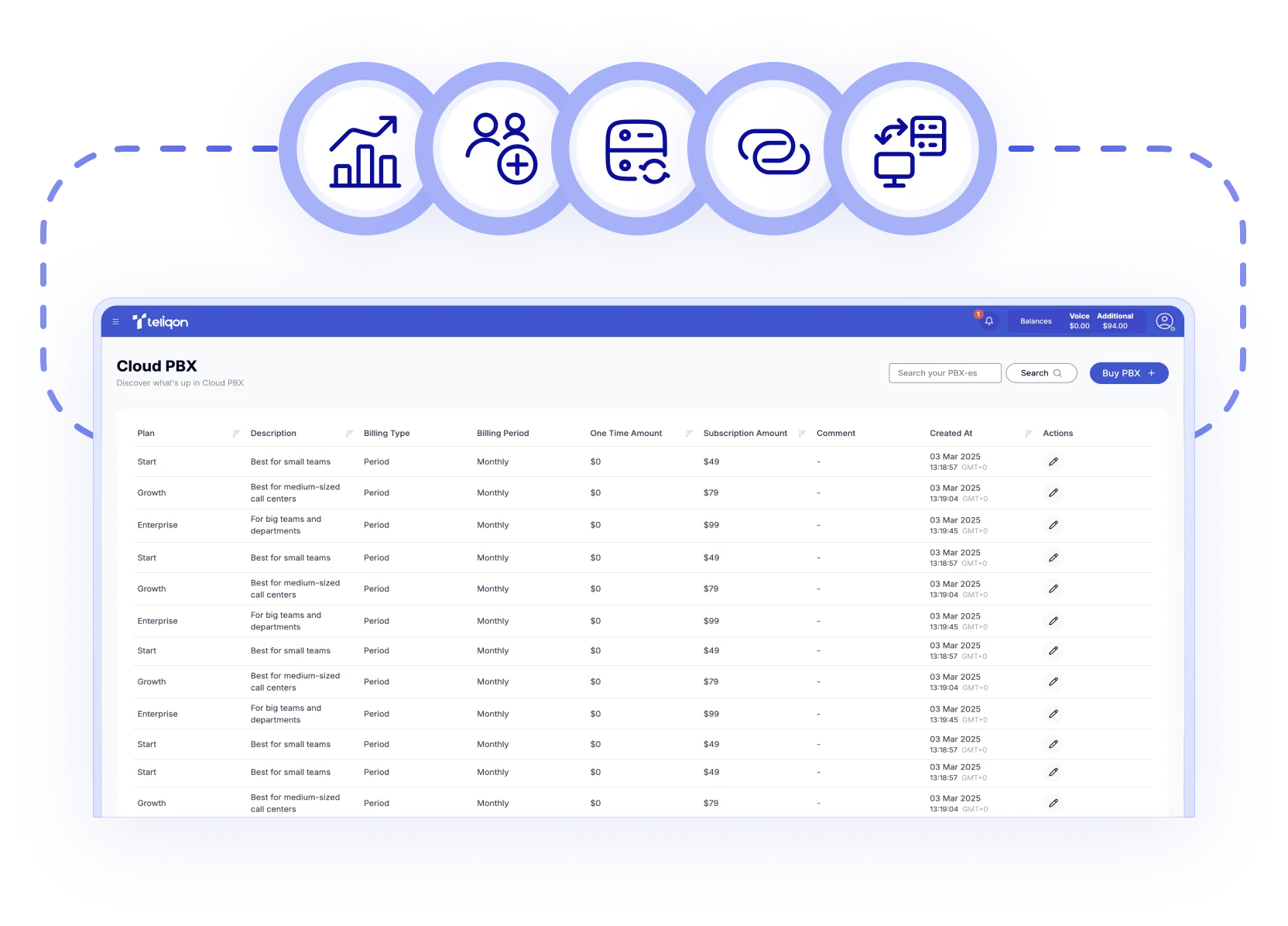

If the LDAP connection is no longer required, it can be switched off or disconnected through the PBX settings.

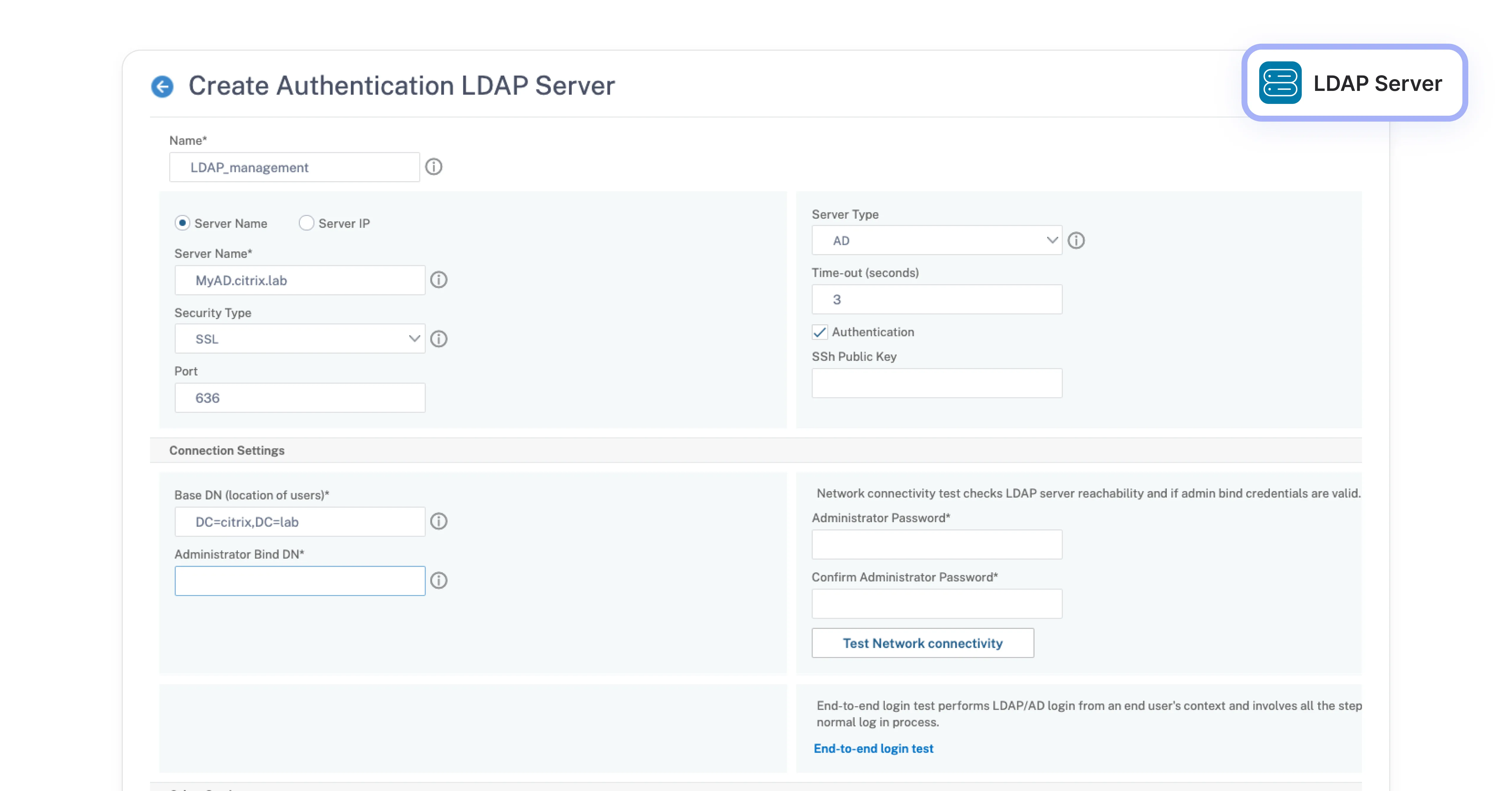
Use ports (e.g., 389 for LDAP, 636 for LDAPS) and secure connections if your environment requires encrypted access.

Define LDAP filter expressions and map LDAP attributes to PBX contact fields for smoother system integration.

The PBX supports syncing large LDAP directories, handling up to 500,000 contacts, depending on system capacity.
Book a Discovery Call
Learn how Teliqon’s solutions can enhance sales, communication & efficiency.
Receive a Custom Proposal
Get a tailored plan with the best Teliqon solutions for your business needs.
Seamless Integration
Set up Teliqon’s tools in your existing systems for seamless operations performance.
Maximize Outcomes
Boost communication with high-quality calls and improved SMS campaigns.
24/7 Support and Optimization
Enjoy ongoing 24/7 support to ensure smooth operations & continuous improvement.
Any directory service that supports LDAP or LDAPS — including Microsoft Active Directory and OpenLDAP — can be used with voip phone ldap integration.