
Contact us
You can always send us a message or email. Weʼd be happy to help you out.
You can always send us a message or email. Weʼd be happy to help you out.
Connect with your customers on the world's most popular messaging app. Integrate WhatsApp Business Platform to manage conversations, send notifications, and provide support.
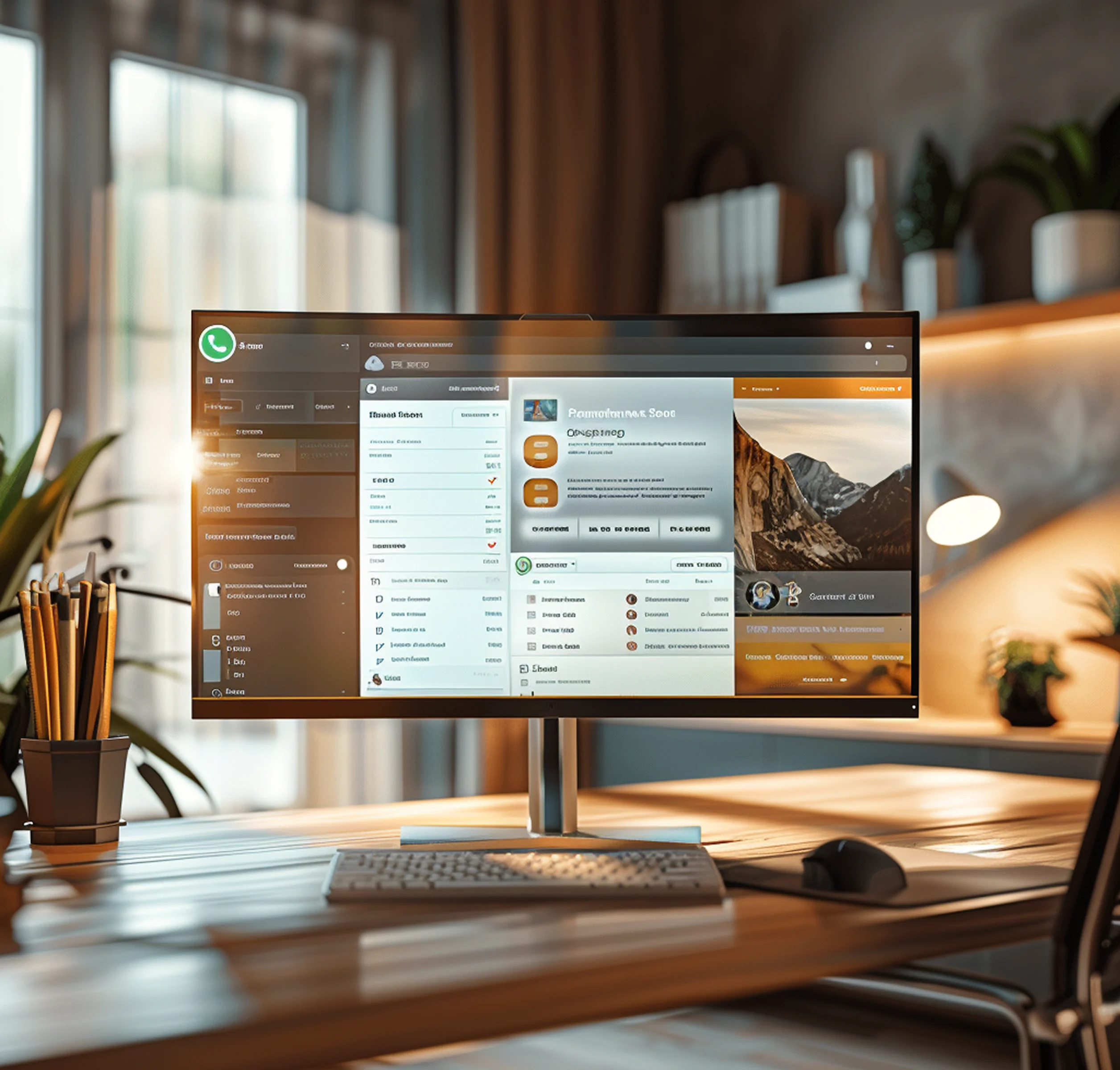











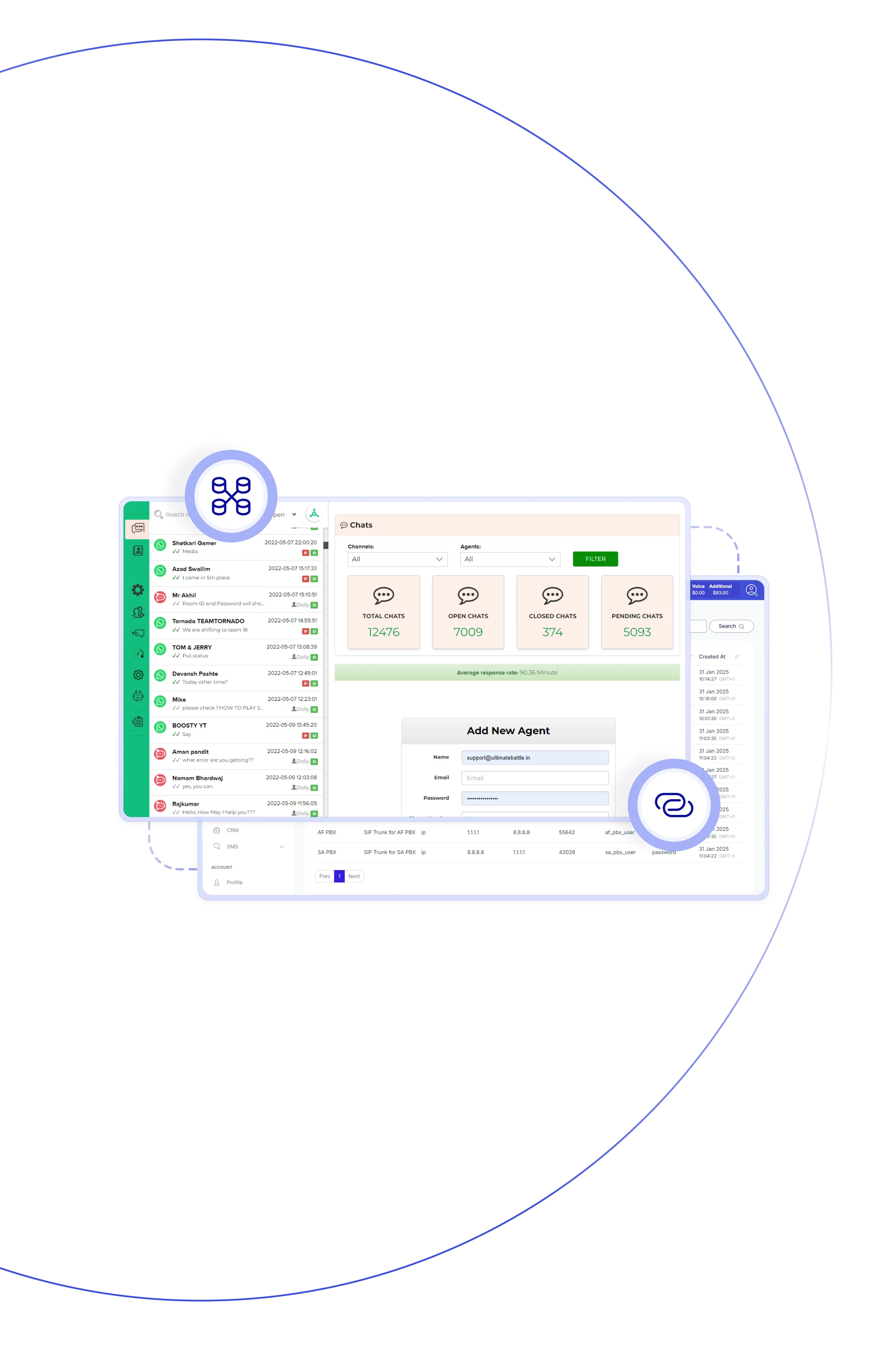
The Teliqon PBX + WhatsApp integration brings all your customer chats into one unified workspace. With our WhatsApp Cloud API integration, customers can message your business number, and agents can reply directly from the PBX messaging panel—no need to switch apps. Conversations can be queued, transferred, escalated to a voice call, or fully logged for future reference. You can also run outbound messages using pre-approved templates. The system automatically matches contacts, stores chat history, and routes messages to the right agents for smooth, organized communication.

With WhatsApp Cloud API integration, you can manage WhatsApp chats, messages, and SMS from one interface.

Convert any WhatsApp conversation into a voice call with a single click when deeper interaction is needed.

Incoming messages automatically link to existing PBX or CRM contacts, giving agents instant context.

Route incoming WhatsApp messages to the right agent queues or specific team members based on your rules.

Transfer active chats between agents or queues without losing any message history and context.

Use pre-approved WhatsApp templates to send messages in bulk—useful for notifications, promotions, or alerts.

Track message volume, delivery outcomes, failures, and agent response times through built-in stats.

Use pre-approved WhatsApp templates to reach customers again even after the 24-hour reply period exp
Reach thousands instantly, manage chats effortlessly, automate replies and notifications, and delight customers with seamless support.
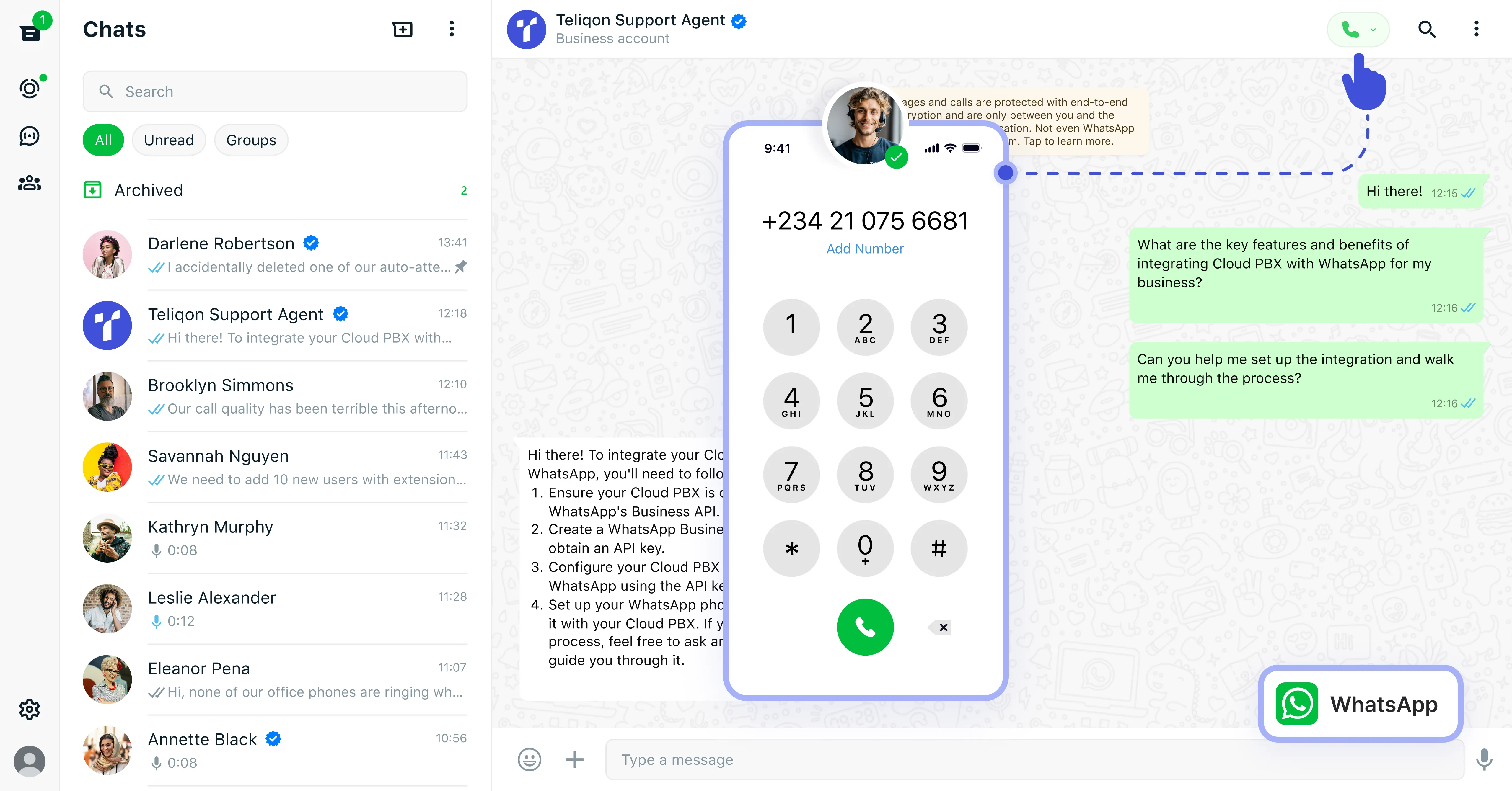

Schedule and send outbound WhatsApp messages in bulk directly from your PBX, using pre-approved templates for notifications & authentication, and more.
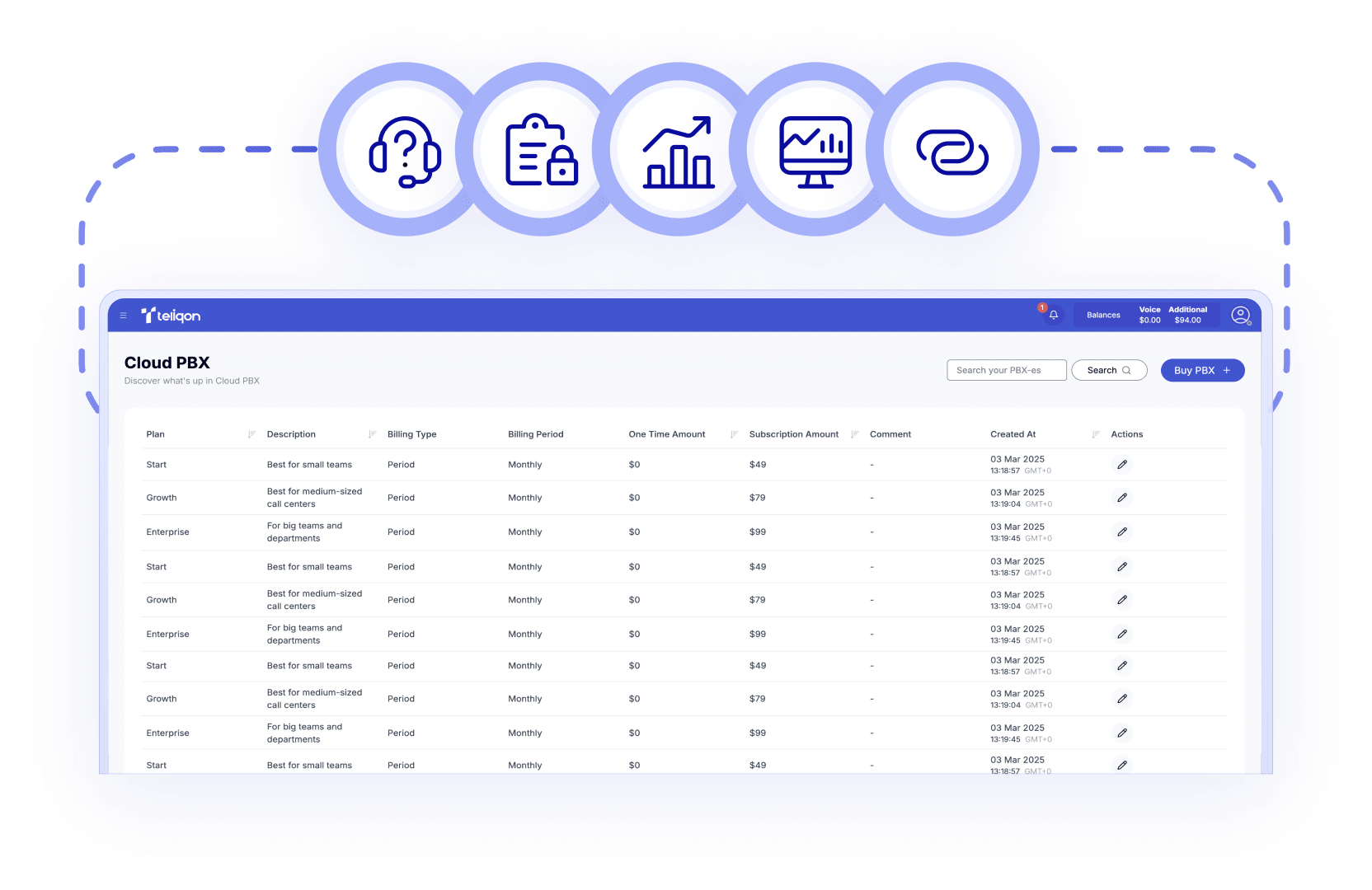

Keep all customer conversations in one place and clean up WhatsApp chat history on the PBX to boost productivity and optimize team performance.

Streamline customer assistance across multiple channels by managing WhatsApp chats alongside calls, SMS, and other interactions within a unified interface.

Move seamlessly from chat to voice with one click, enabling faster resolutions and more effective customer communication during high-volume interactions.

Allow staff to respond from anywhere via a web browser, desktop application, or mobile device, ensuring full mobility without compromising service quality.
Book a Discovery Call
Learn how Teliqon’s solutions can enhance sales, communication & efficiency.
Receive a Custom Proposal
Get a tailored plan with the best Teliqon solutions for your business needs.
Seamless Integration
Set up Teliqon’s tools in your existing systems for seamless operations performance.
Maximize Outcomes
Boost communication with high-quality calls and improved SMS campaigns.
24/7 Support and Optimization
Enjoy ongoing 24/7 support to ensure smooth operations & continuous improvement.
To enable the WhatsApp PBX integration, you'll need a Teliqon PBX with the Messaging/Omnichannel module and a verified WhatsApp Business integration account (Meta Developer access + business verification).