
Contact us
You can always send us a message or email. Weʼd be happy to help you out.
You can always send us a message or email. Weʼd be happy to help you out.
Scalable communication for your Zendesk CRM. Manage support calls, create tickets, and improve agent performance with a secure and reliable phone solution.











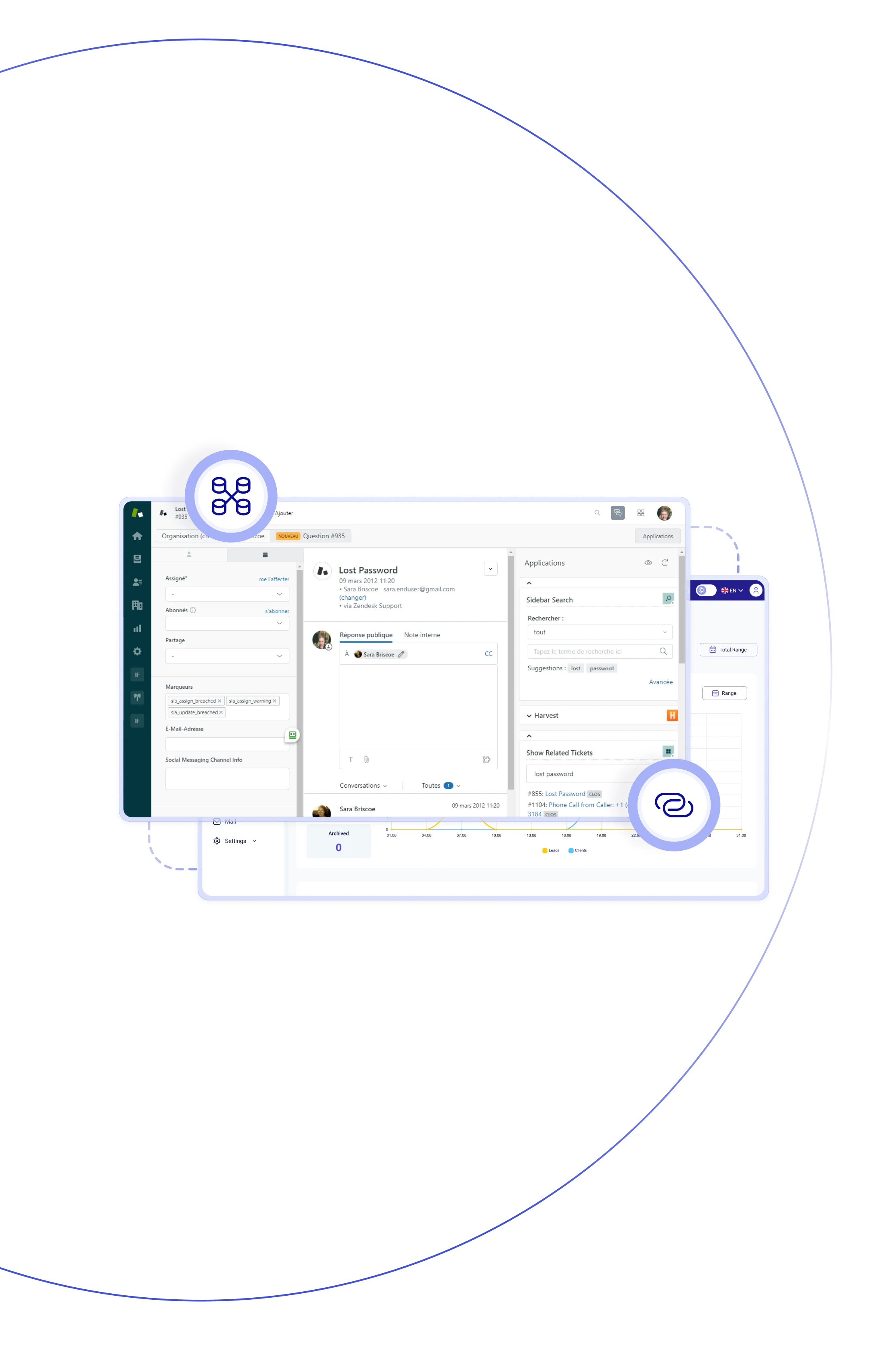
Turn every conversation into action with Teliqon PBX and Zendesk CRM
system. Have instant access to caller details, use screen pop-ups, auto-
create tickets or contacts, and keep all interactions logged in one space –
no manual updates required.

With Zendesk CRM integration, contacts sync automatically. When a recognized number connects, the caller’s information appears on the agent’s screen.

Unknown callers are automatically added as new contacts in Zendesk, ensuring that every support request is captured. This keeps your customer database up to date.

Every call counts – incoming, outgoing, answered, and missed. Agents don't have to jump between tabs – everything they need for follow-up is right here in the generated Zendesk ticket.

The essential call details – time, duration, and direction – are linked to the specific Zendesk ticket. Result? Reduced human factor and improved workflow.

As soon as an incoming call arrives, the Zendesk profile instantly pops up in the browser window for agent (including all call history, contact info, and key details).

For the convenience, call notes, recordings, and past tickets are gathered in one space. Let your managers concentrate on what really matters.

With CRM Zendesk integration, manual admin work becomes a thing of the past. With no repetitive data entry, teams stay focused on delivering fast & high-quality customer support.

Turn numbers into a strategy with proper analytics. Help your managers understand call patterns, ticket trends, and team performance, empowering data-driven leadership.
Make and receive calls without leaving Zendesk, automatically create tickets, view customer details, and boost agent productivity.
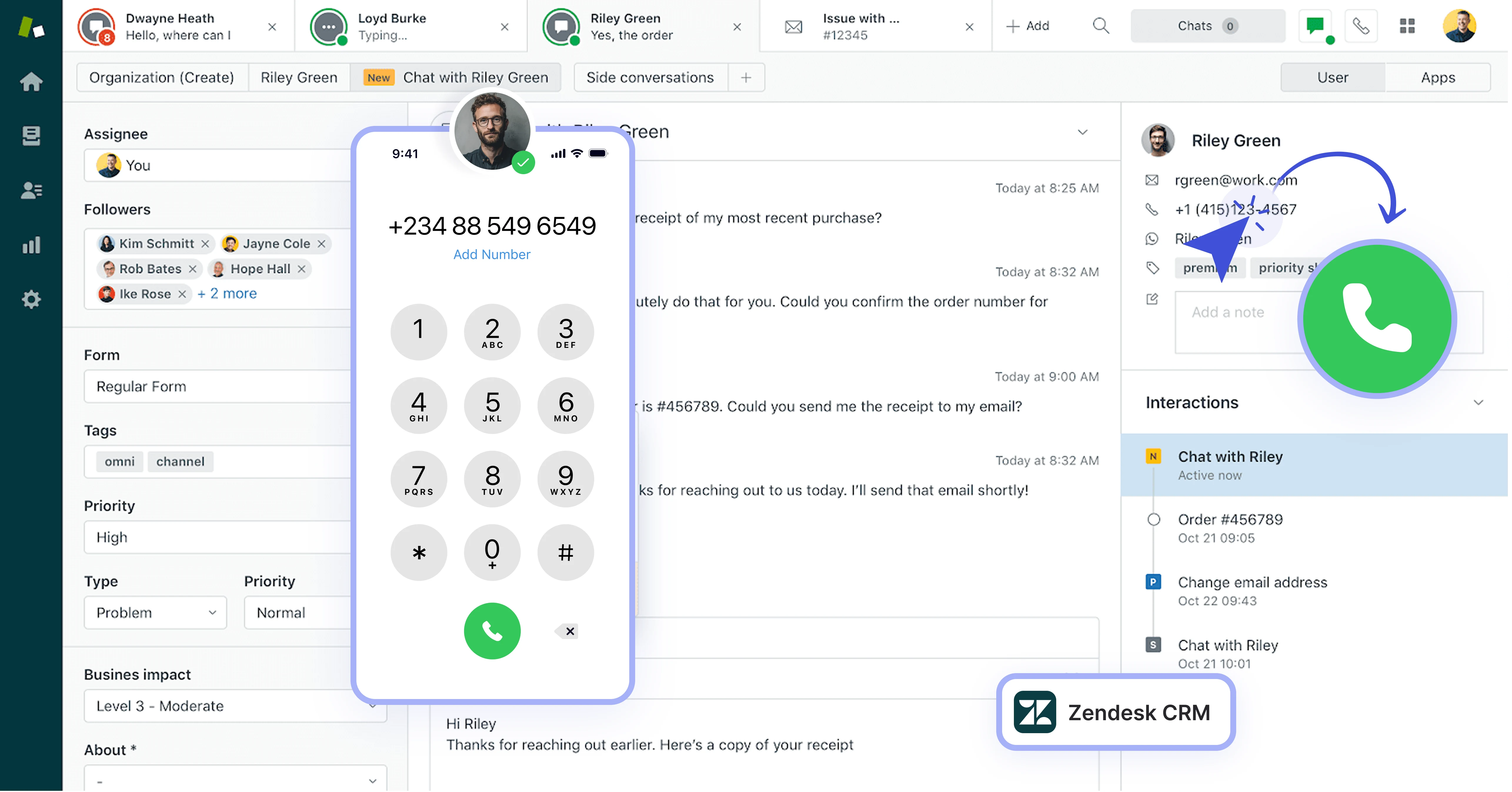

Zendesk contact data is synced one-way to PBX phonebooks. During calls, matched contact details appear instantly on Linkus clients and IP phones.

Ever miss context, cause you couldn't find the right record? With Caller ID pop-ups, the customer's Zendesk profile gives the agent all the info before they say hello.

Define flexible rules so Zendesk tickets are auto-created for inbound | outbound calls — answered or missed — saving time and keeping everything organized.

Calls are automatically logged in Zendesk tickets with all the details – time, duration, agent, and direction – nothing gets missed, and no manual input is needed.

Call Recording Playback lets you support review past interactions right from the ticket, ensuring transparency and accuracy.

With one click, agents can start a call right from Zendesk using the Chrome extension or Web Client, saving time and eliminating manual dialing.

New callers don't stay unknown for long – Zendesk auto-creates a contact record during | after call, adding the call log details to keep your database complete.

Each Zendesk support agent links to their Teliqon PBX extension, ensuring accurate call tracking and ticket assignment to the right person.
Book a Discovery Call
Learn how Teliqon’s solutions can enhance sales, communication & efficiency.
Receive a Custom Proposal
Get a tailored plan with the best Teliqon solutions for your business needs.
Seamless Integration
Set up Teliqon’s tools in your existing systems for seamless operations performance.
Maximize Outcomes
Boost communication with high-quality calls and improved SMS campaigns.
24/7 Support and Optimization
Enjoy ongoing 24/7 support to ensure smooth operations & continuous improvement.
The integration works with Zendesk Suite plans: Team, Growth, Professional, Enterprise, and Support.
Each integration comes with a Knowledge Base, tailored to your needs. Prefer a helping hand? Our support team is always here to assist with any step – you don’t have to do it alone.