
Contact us
You can always send us a message or email. Weʼd be happy to help you out.
You can always send us a message or email. Weʼd be happy to help you out.
Connect your phone system to Zoho Desk for smarter support. Handle calls, log interactions automatically, and access customer data instantly with a flexible CTI solution.











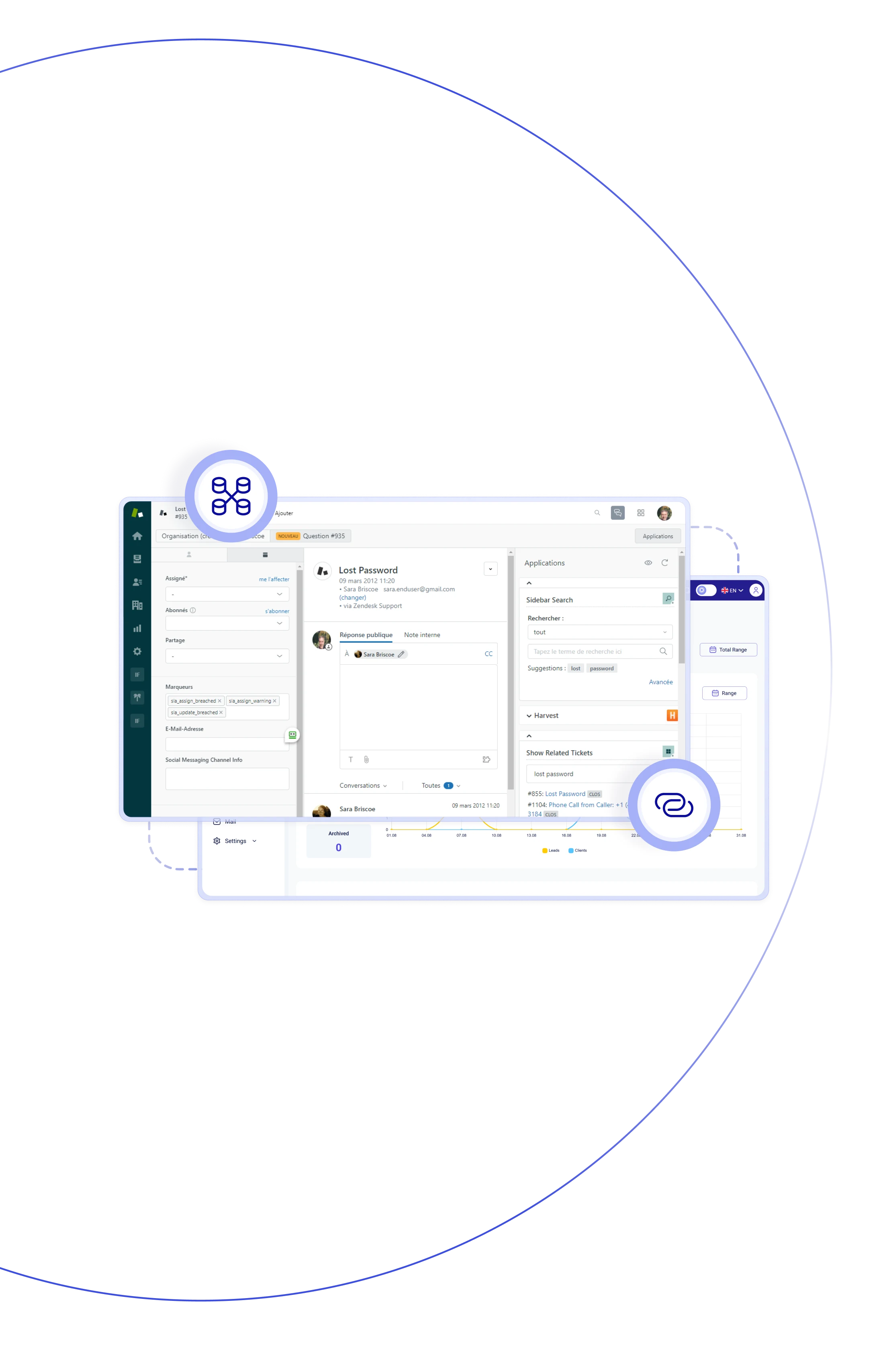
The Teliqon PBX + Zoho Desk integration seamlessly embeds calling features into Zoho Desk, uniting telephony and customer support in one workspace. Agents can make and receive calls directly from their helpdesk interface, instantly view caller details, log calls to tickets, auto-create contacts or accounts for unknown numbers, and access full ticket history — all without switching applications.

Click any detected number in Zoho Desk to make a call right away through Teliqon PBX — fast, simple, and no manual dialing required.

When a call comes in, the Zoho Desk and CRM integration instantly displays key customer details — helping your team respond more effectively.

Zoho Desk contacts automatically sync with the PBX phonebook, ensuring accurate caller identification across all devices and channels.

Inbound and outbound calls can automatically create tickets in Zoho Desk, following user-defined rules for seamless support management.

With Zoho Desk CRM integration, every call activity is auto-logged as a Zoho ticket activity, keeping all records centralized and easy to track.

Unknown callers are instantly turned into Zoho contacts or accounts, ensuring every potential opportunity is captured by your managers.

All calling, ticketing, and logging happen right inside Zoho Desk — no app switching, just smooth and efficient workflows for your teams.

Instant caller identification and automated ticketing empower support teams to respond faster, minimize wait times, and boost SLA performance.
Make and receive calls directly within Zoho Desk, view caller details instantly, log interactions automatically, and empower your agents with a seamless, secure, and efficient CTI experience.
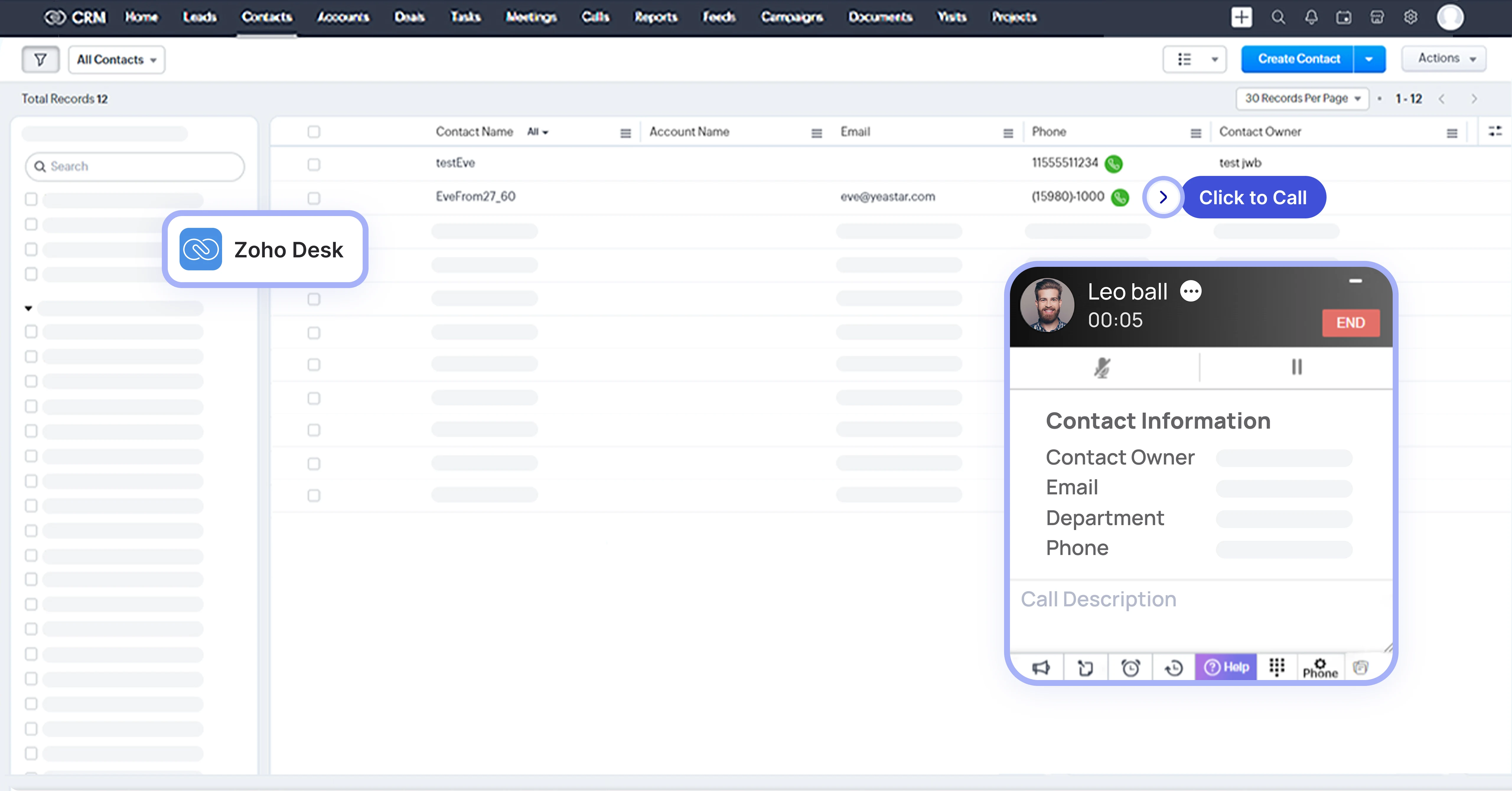

Start calls with a single click right from the Zoho interface — fast, intuitive, streamlined, and efficient.

Incoming calls trigger Zoho user contact details in a pop-up — so agents always start with context.

Zoho contacts seamlessly synchronize into the PBX phonebook, enriching caller ID across all devices.

Automatically logs call details and timestamps into the correct Zendesk ticket — keeping records accurate.

Easily identify and revisit missed calls within Zoho Desk task lists — ensuring no inquiry is overlooked.

Access call logs (with timestamps and directions) directly in Zoho activities — keeping critical records at hand.

Unknown numbers automatically generate new Zoho contacts or accounts — preserving every call.

Set whether tickets open automatically before or after calls, and for inbound or outbound interactions.
Book a Discovery Call
Learn how Teliqon’s solutions can enhance sales, communication & efficiency.
Receive a Custom Proposal
Get a tailored plan with the best Teliqon solutions for your business needs.
Seamless Integration
Set up Teliqon’s tools in your existing systems for seamless operations performance.
Maximize Outcomes
Boost communication with high-quality calls and improved SMS campaigns.
24/7 Support and Optimization
Enjoy ongoing 24/7 support to ensure smooth operations & continuous improvement.
The Zoho CRM and Desk integration is compatible with Free, Standard, Professional, and Enterprise editions, ensuring flexibility for businesses of all sizes.